Academic Research
Gaze Typing in Virtual Reality: Impact of Keyboard Design, Selection Method, and Motion
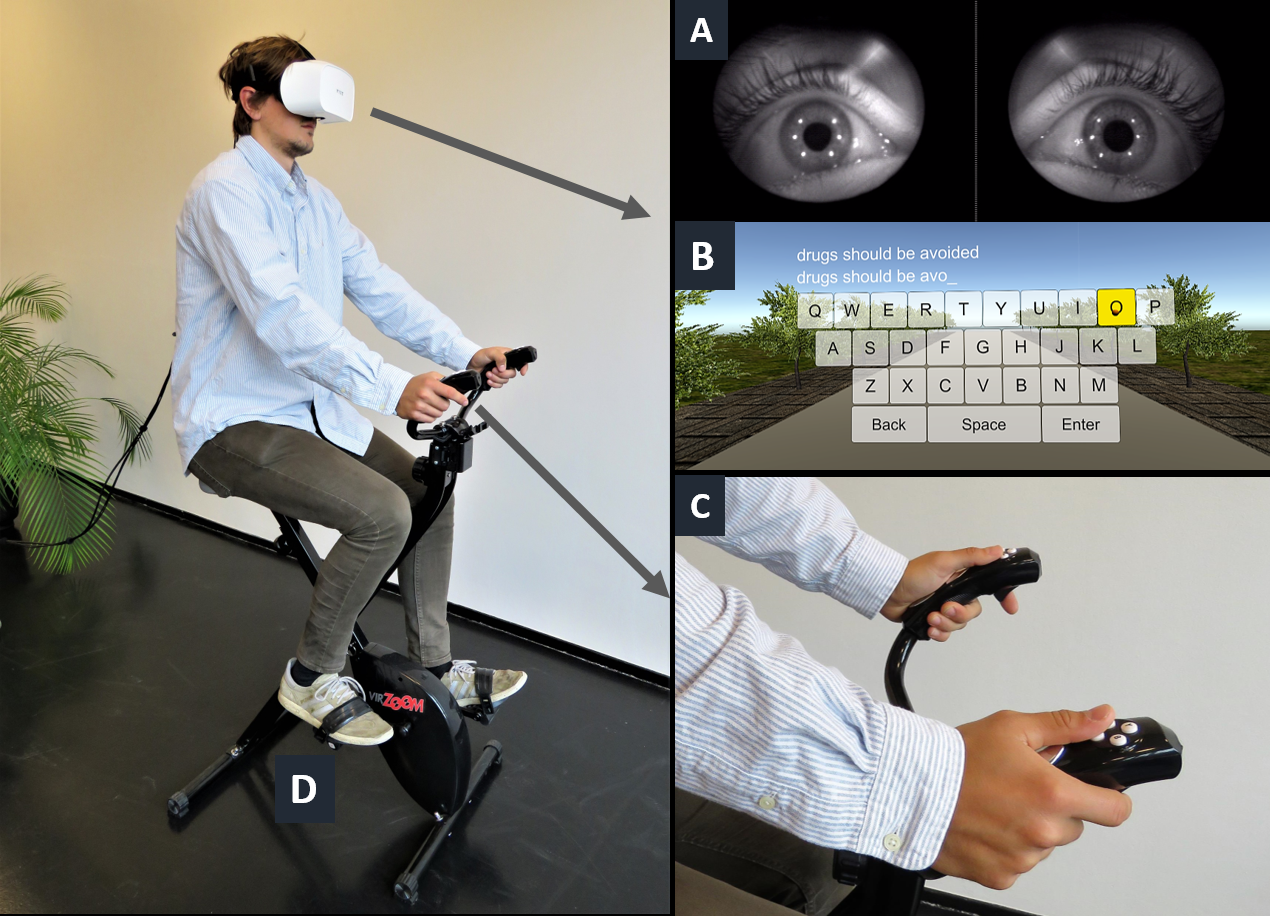
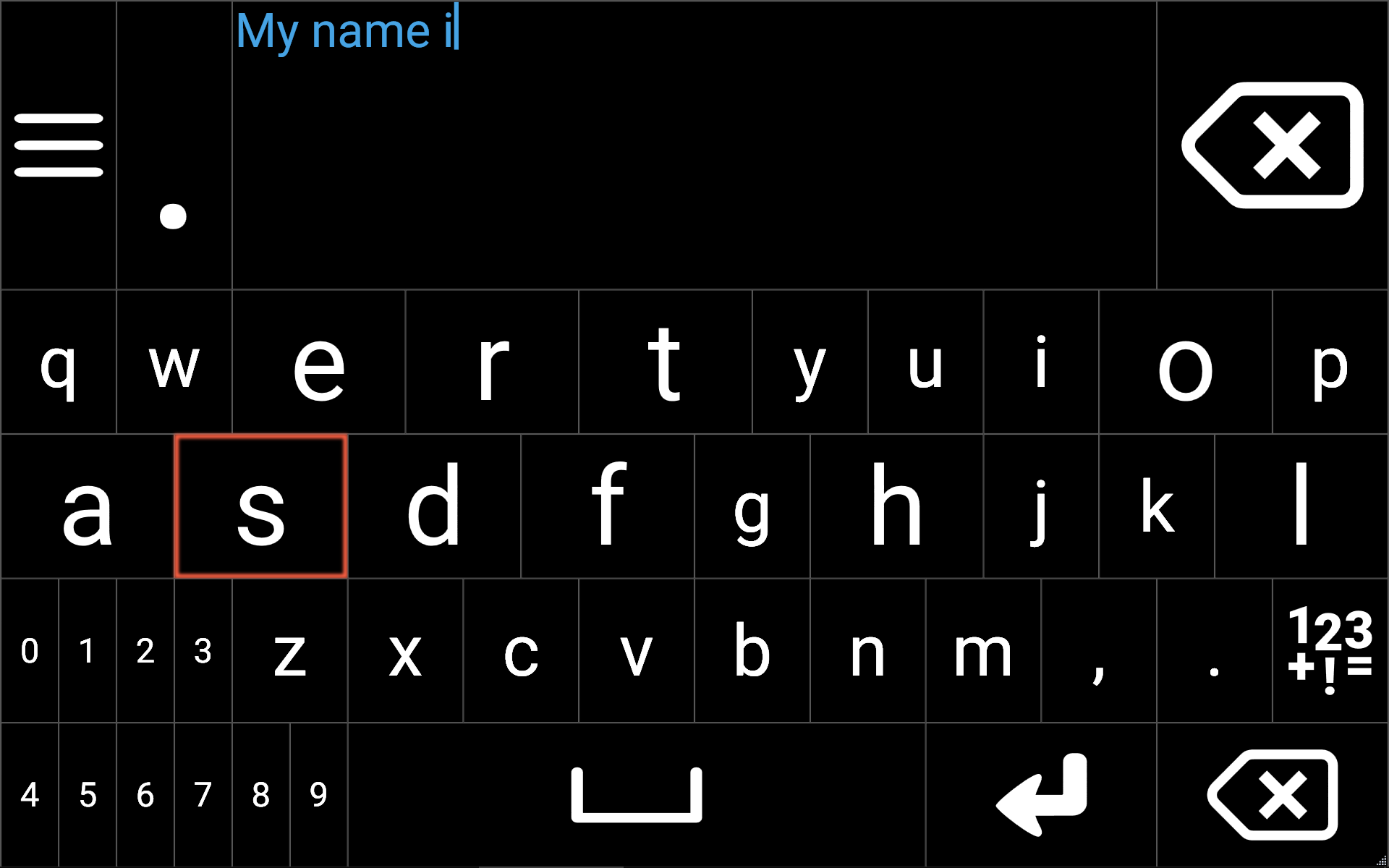
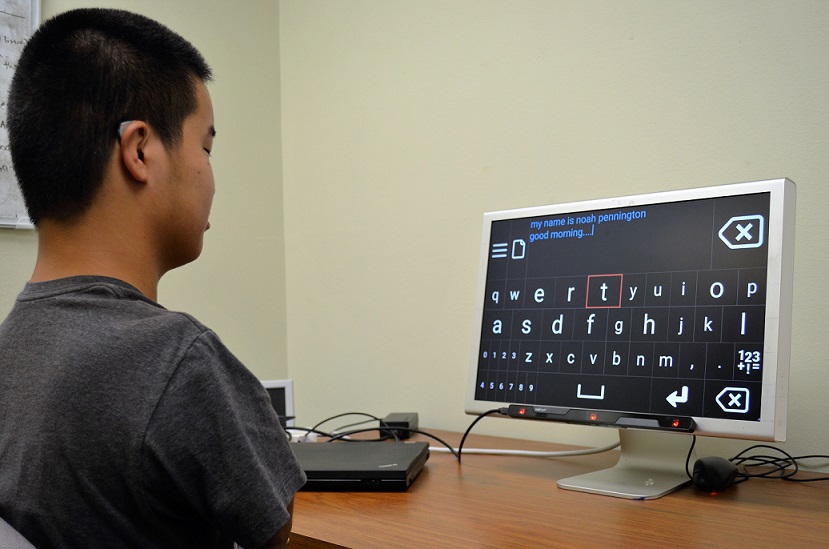
Gaze tracking in virtual reality (VR) allows for hands-free text entry, but it has not yet been explored. We investigate how the keyboard design, selection method, and motion in the field of view may impact typing performance and user experience. We present two studies of people (n = 32) typing with gaze+dwell and gaze+click inputs in VR.
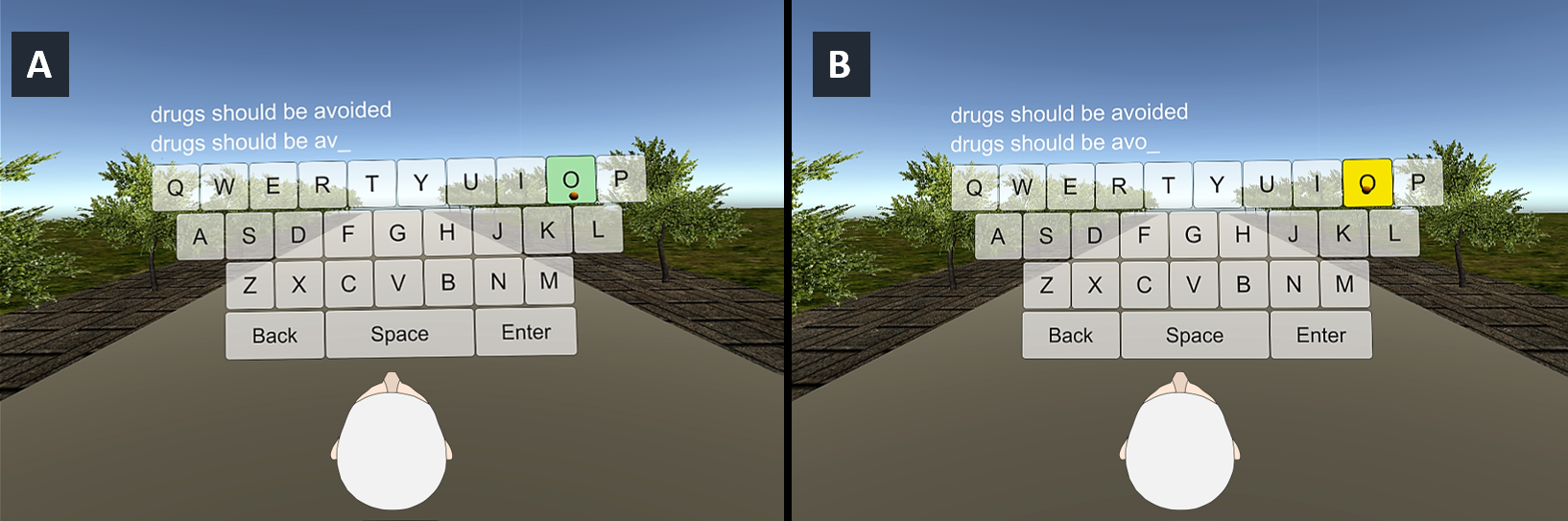
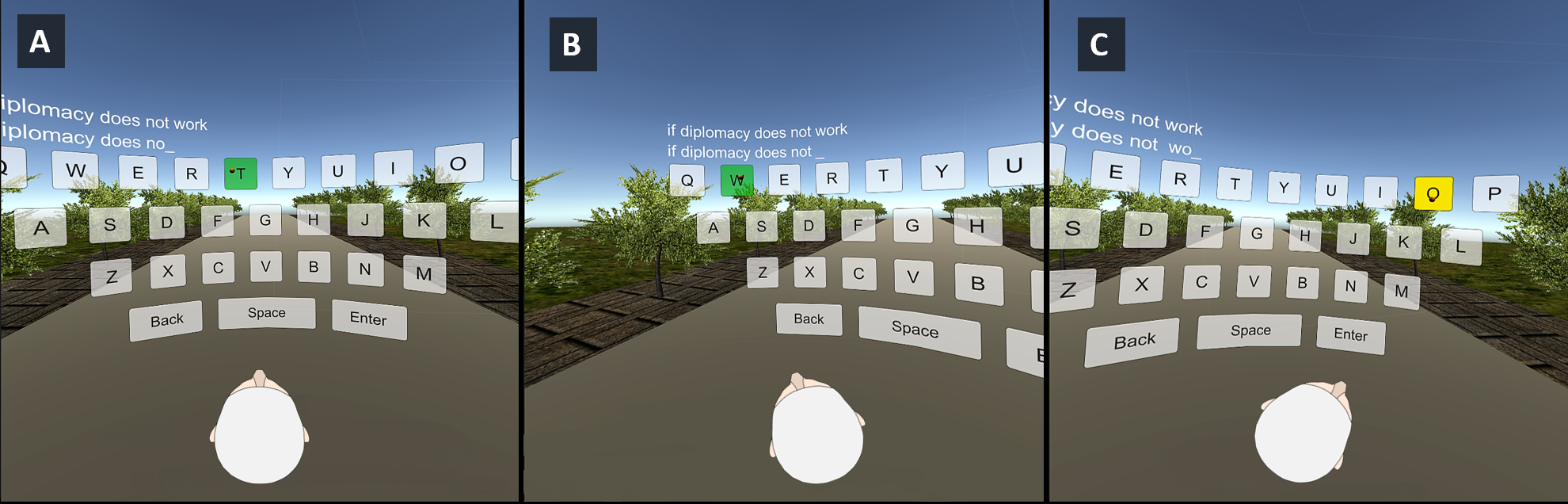
In study 1, the typing keyboard was flat and within-view; in study 2, it was larger-than-view but curved. Both studies included a stationary and a dynamic motion conditions in the user's field of view.
Our findings suggest that:
- Gaze typing in VR is viable but constrained.
- Users perform best (10.15 WPM) when the entire keyboard is within-view; the larger-than-view keyboard (9.15 WPM) induces physical strain due to increased head movements.
- Motion in the field of view impacts performance: users perform better while stationary than when in motion.
- Gaze+click is better than dwell only (fixed at 550 ms) interaction.
PressTapFlick: Exploring a Gaze and Foot-based Multimodal Approach to Gaze Typing
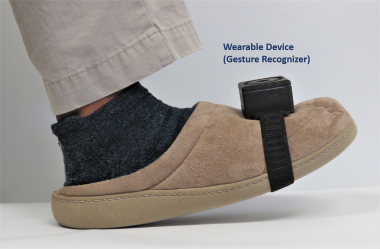
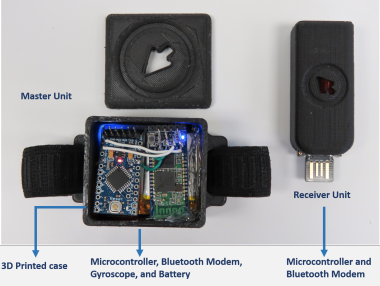
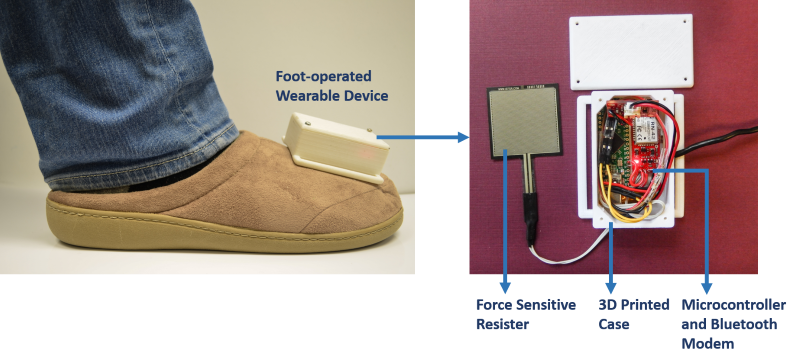
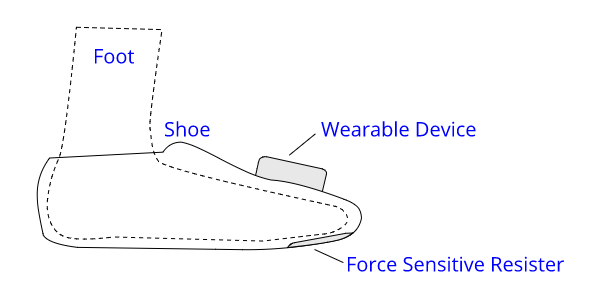
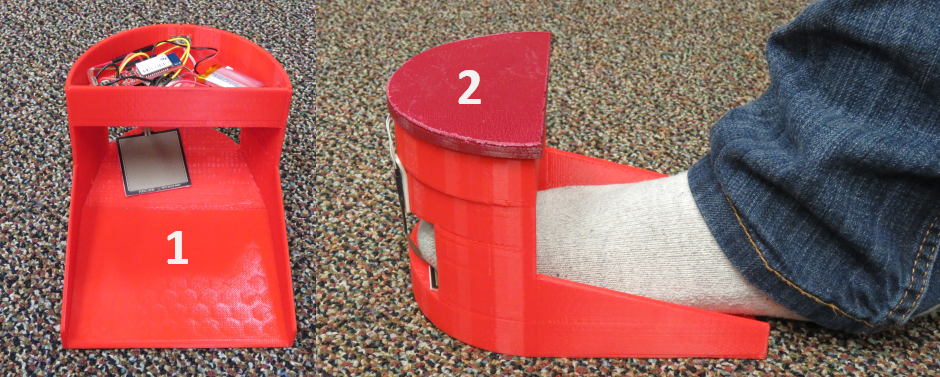
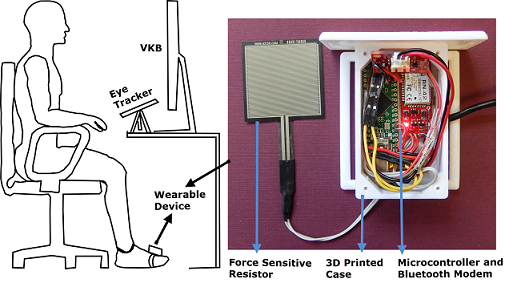
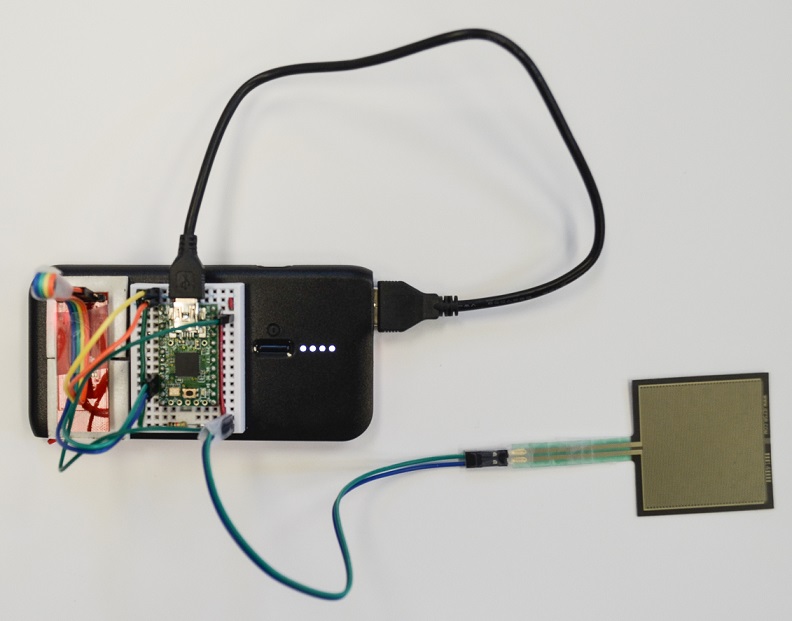
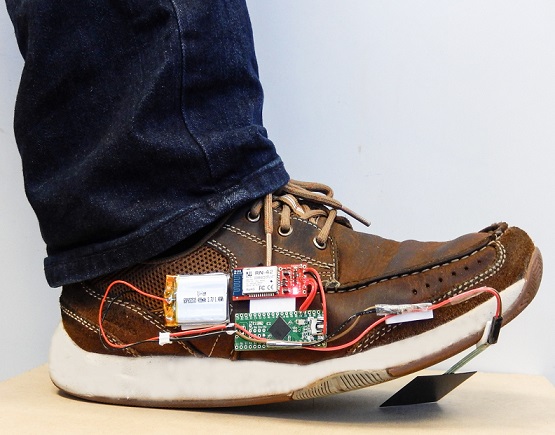
Text entry is extremely difficult or sometimes impossible in the scenarios of situationally-induced or physical impairments and disabilities. As a remedy, many rely on gaze typing which commonly uses dwell time as the selection method. However, dwell-based gaze typing could be limited by usability issues, reduced typing speed, high error rate, steep learning curve, and visual fatigue with prolonged usage. We present a dwell-free, multimodal approach to gaze typing where the gaze input is supplemented with a foot input modality. In this multi-modal setup, the user points her gaze at the desired character, and selects it with the foot input. We further investigated two approaches to foot-based selection, a foot gesture-based selection and a foot press-based selection, which are compared against the dwell-based selection.
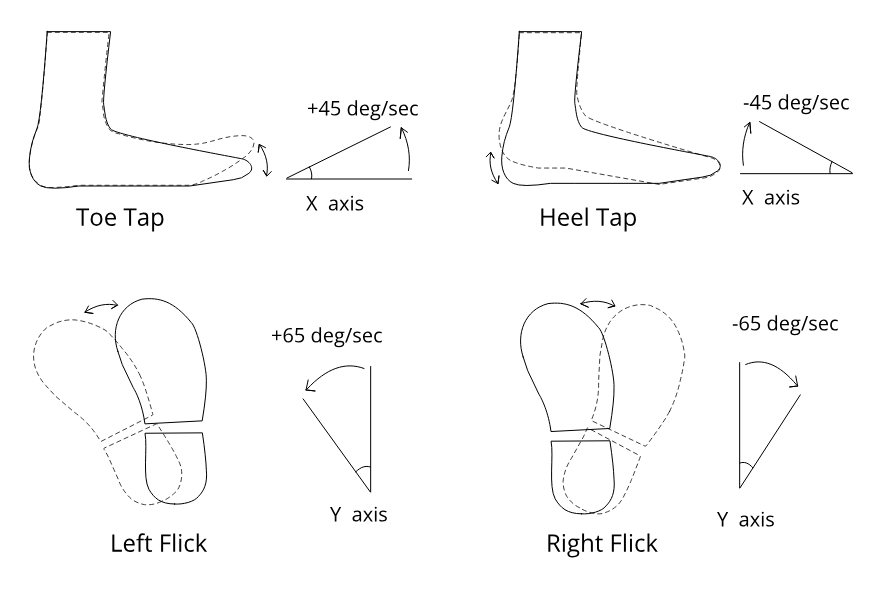
We evaluated our system through three experiments involving 51 participants, where each experiment used one of the three target selection methods: dwell-based, foot gesture-based, and foot press-based selection. We found that foot-based selection at least matches, and likely improves, the gaze typing performance compared to dwell-based selection. Among the four foot gestures (toe tapping, heel tapping, right flick and left flick) we used in the study, toe tapping is the most preferred gesture for gaze typing. Furthermore, when using foot-based activation users quickly develop a rhythm in focusing at a character with gaze and selecting it with the foot. This familiarity reduces errors significantly.
Can Gaze Beat Touch? A Fitts' Law Evaluation of Gaze, Touch, and Mouse Inputs
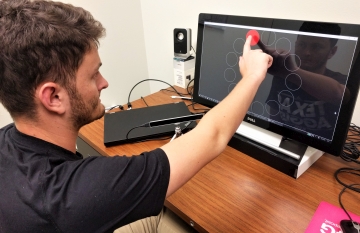
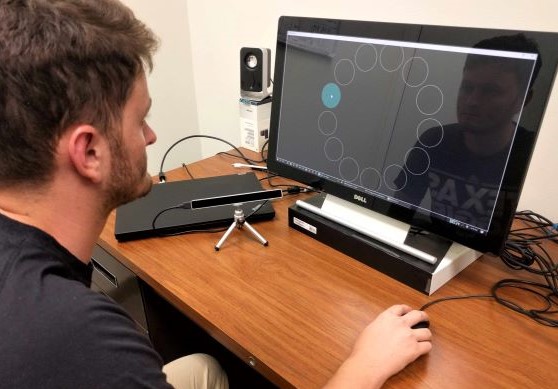
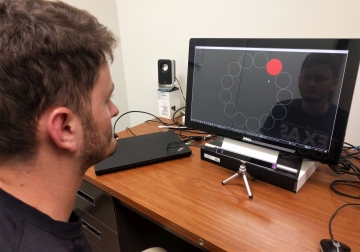
Gaze input has been a promising substitute for mouse input for point and select interactions. Individuals with severe motor and speech disabilities primarily rely on gaze input for communication. Gaze input also serves as a hands-free input modality in the scenarios of situationally-induced impairments and disabilities (SIIDs). Hence, the performance of gaze input has often been compared to mouse input through standardized performance evaluation procedure like the Fitts' Law. With the proliferation of touch-enabled devices such as smartphones, tablet PCs, or any computing device with a touch surface, it is also important to compare the performance of gaze input to touch input.
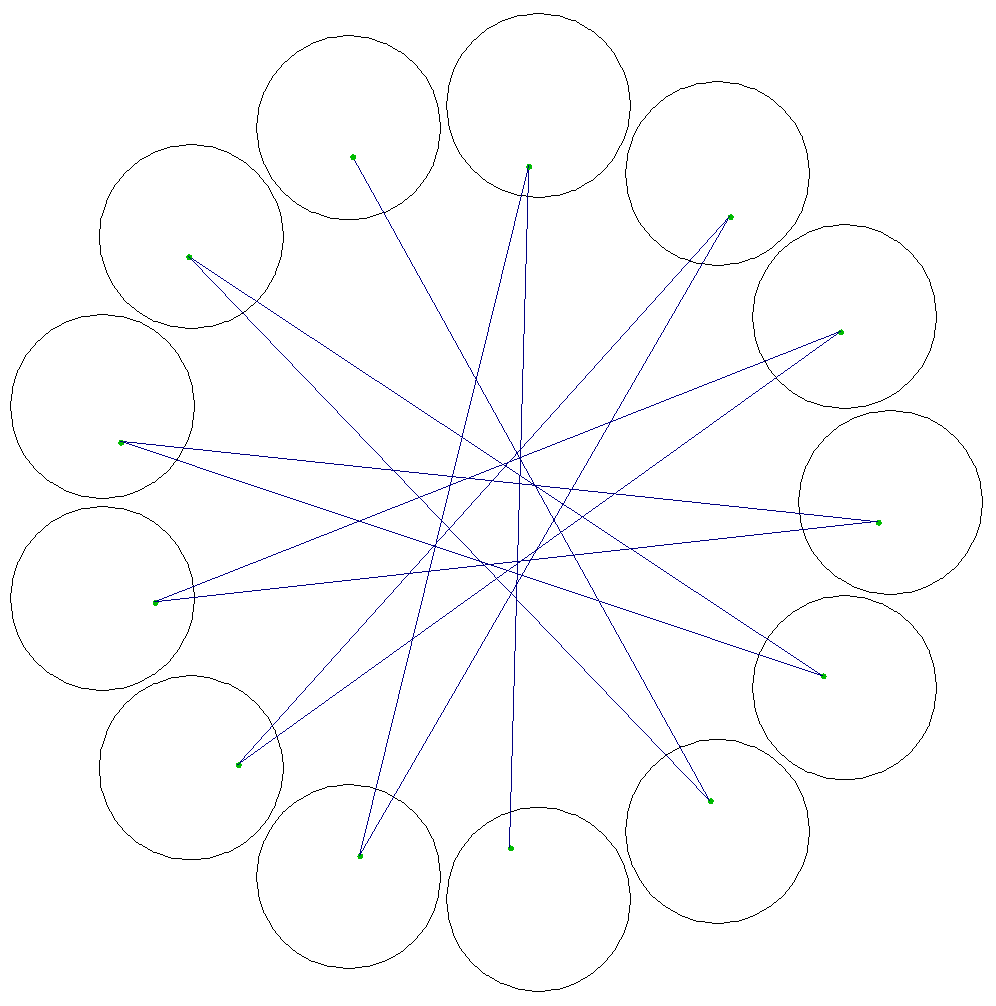
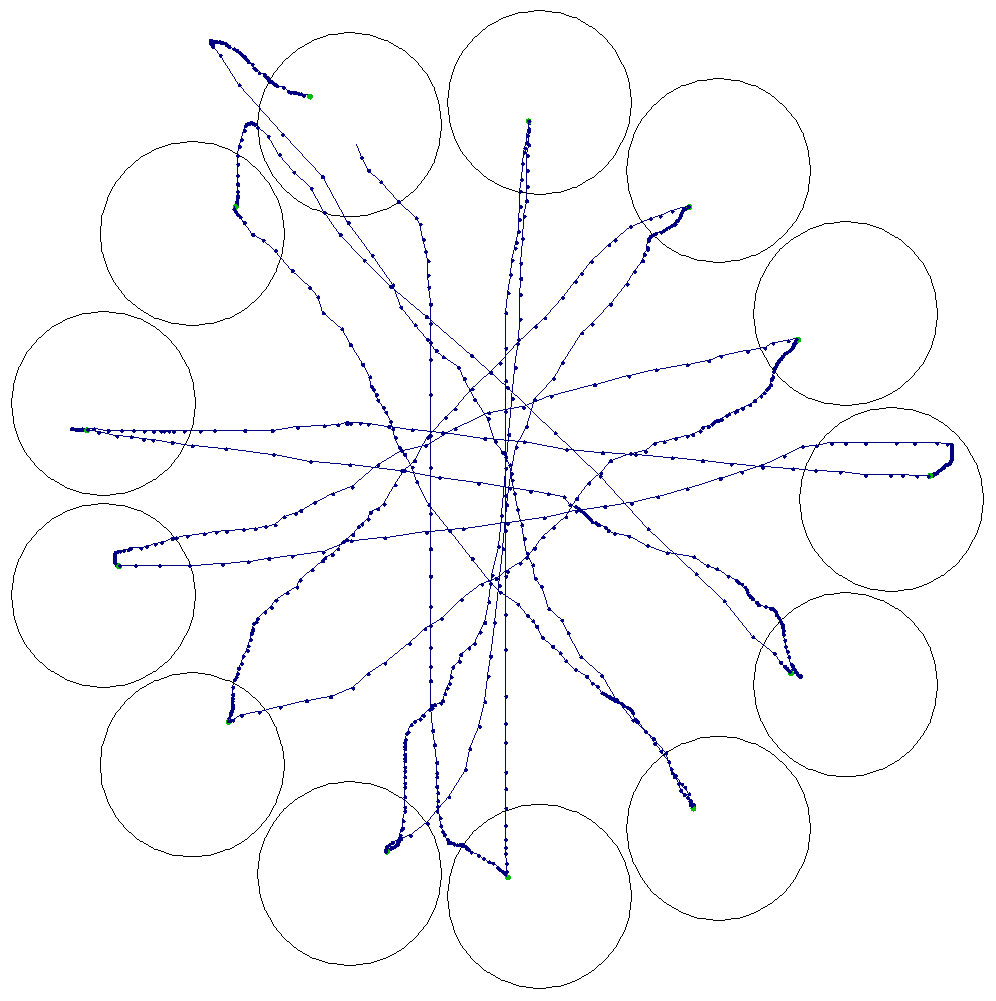
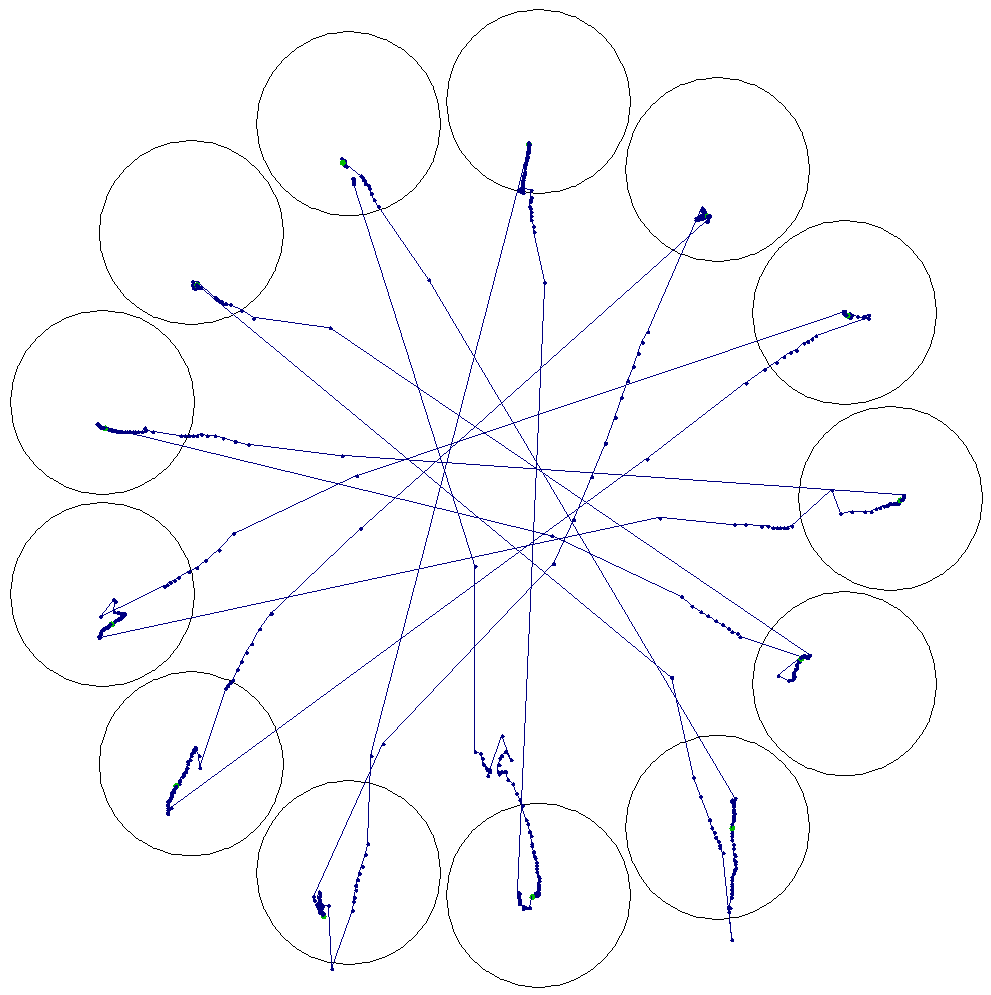
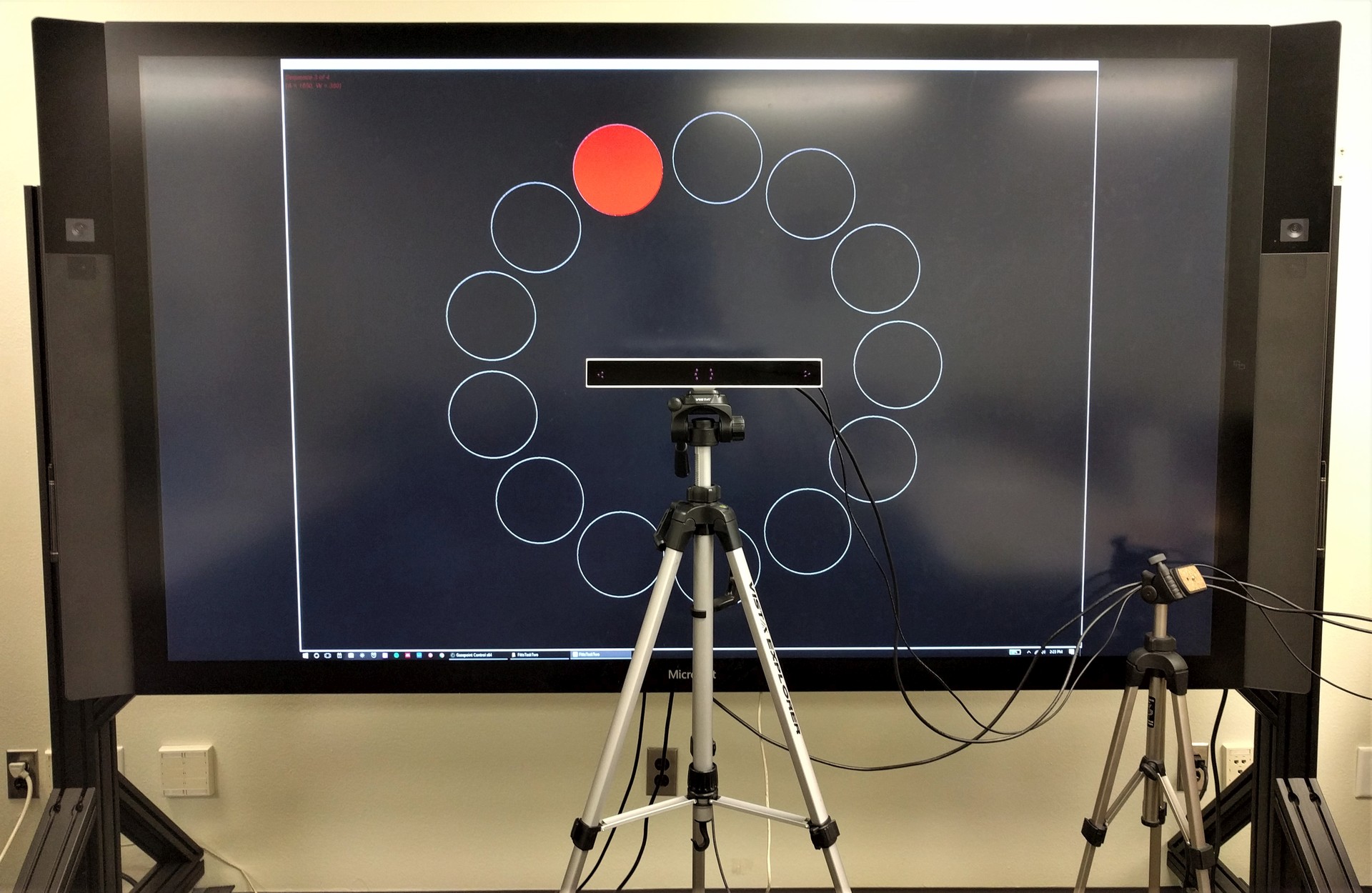
In this study, we conducted ISO 9241-9 Fitts' Law evaluation to compare the performance of multimodal gaze and foot-based input to touch input in a standard desktop environment, while using mouse input as the baseline. From a study involving 12 participants, we found that the gaze input has the lowest throughput (2.55 bits/s), and the highest movement time (1.04 s) of the three inputs. In addition, though touch input involves maximum physical movements, it achieved the highest throughput (6.67 bits/s), the least movement time (0.5 s), and was the most preferred input. While there are similarities in how quickly pointing can be moved from source to target location when using both gaze and touch inputs, target selection consumes maximum time with gaze input. Hence, with a throughput that is over 160% higher than gaze, touch proves to be a superior input modality.
A Fitts' Law Evaluation of Gaze Input on Large Displays Compared to Touch and Mouse Inputs
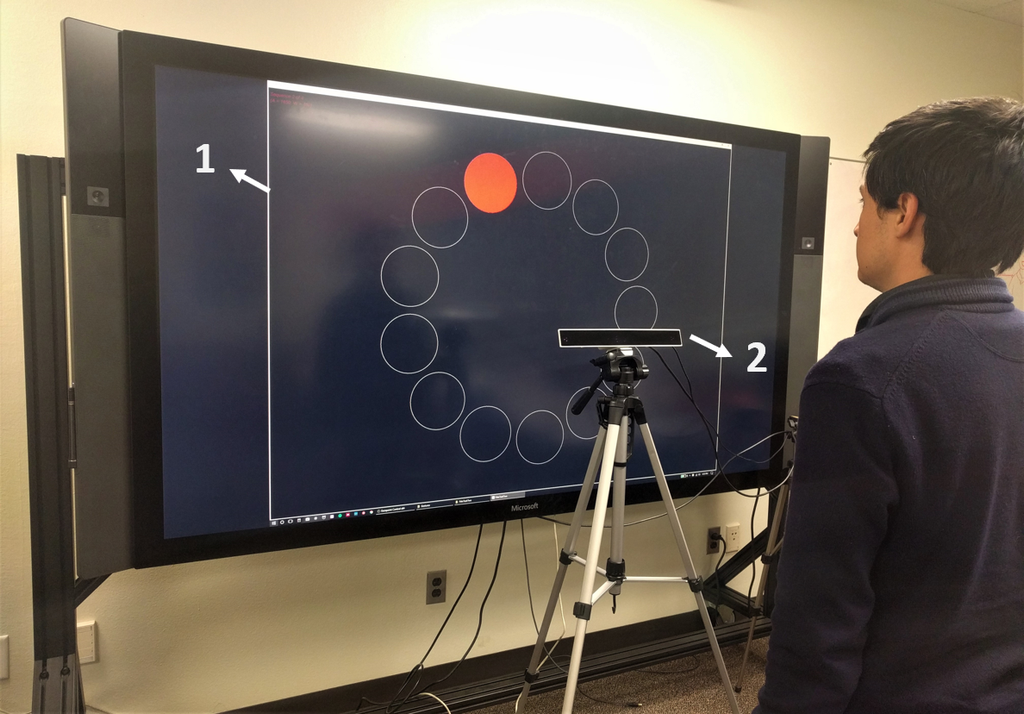
Gaze-assisted interaction has commonly been used in a standard desktop setting. When interacting with large displays, as new scenarios like situationally-induced impairments emerge, it is more convenient to use the gaze-based multi-modal input than other inputs. However, it is unknown as to how the gaze-based multi-modal input compares to touch and mouse inputs. We compared gaze+foot multi-modal input to touch and mouse inputs on a large display in a Fitts' Law experiment that conforms to ISO 9241-9. From a study involving 23 participants, we found that the gaze input has the lowest throughput (2.33 bits/s), and the highest movement time (1.176 s) of the three inputs. In addition, though touch input involves maximum physical movements, it achieved the highest throughput (5.49 bits/s), the least movement time (0.623 s), and was the most preferred input.
A Gaze Gesture-Based Paradigm for Situational Impairments, Accessibility, and Rich Interactions
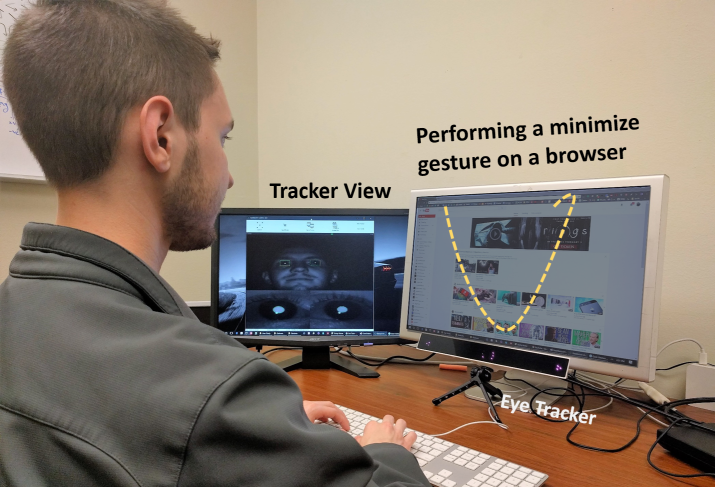
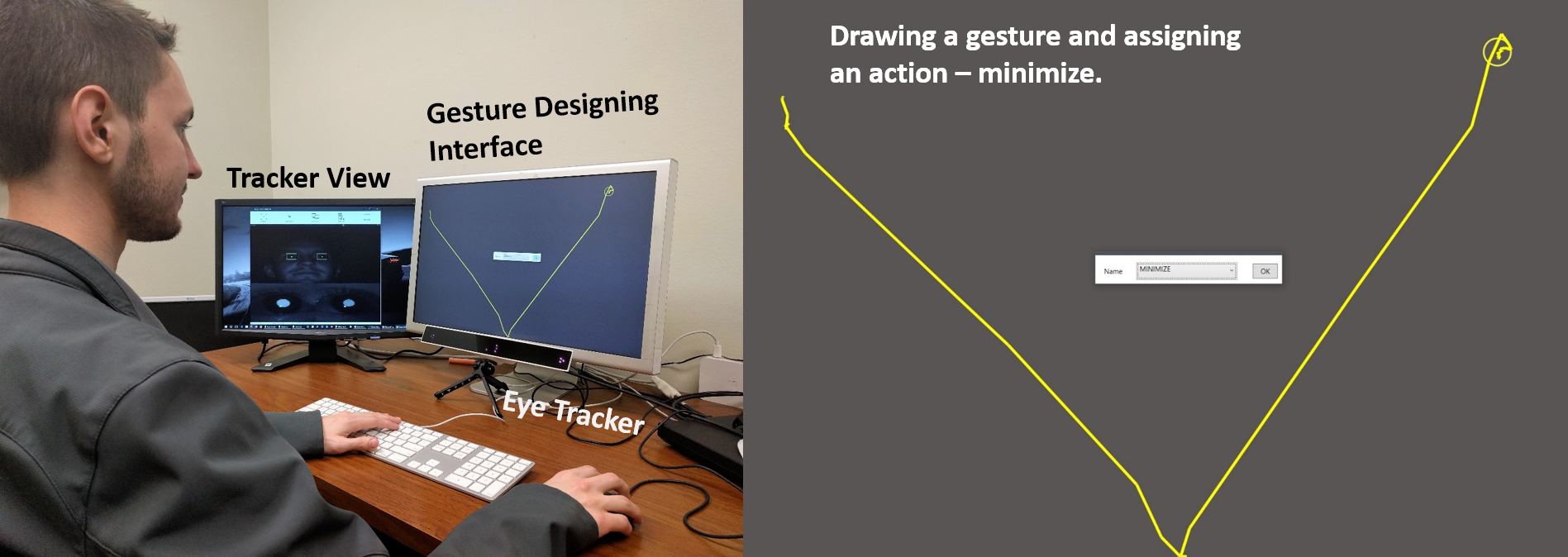
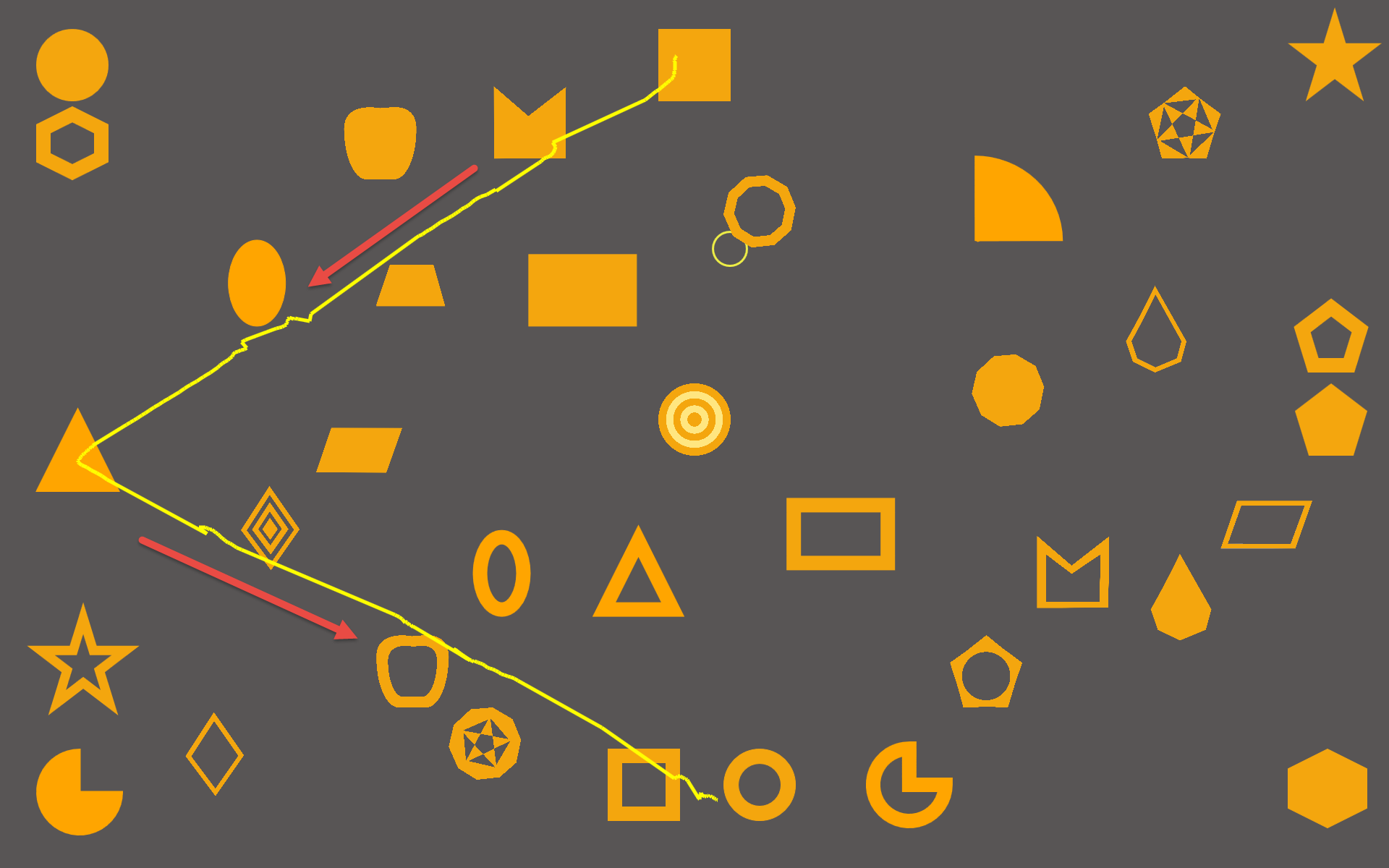
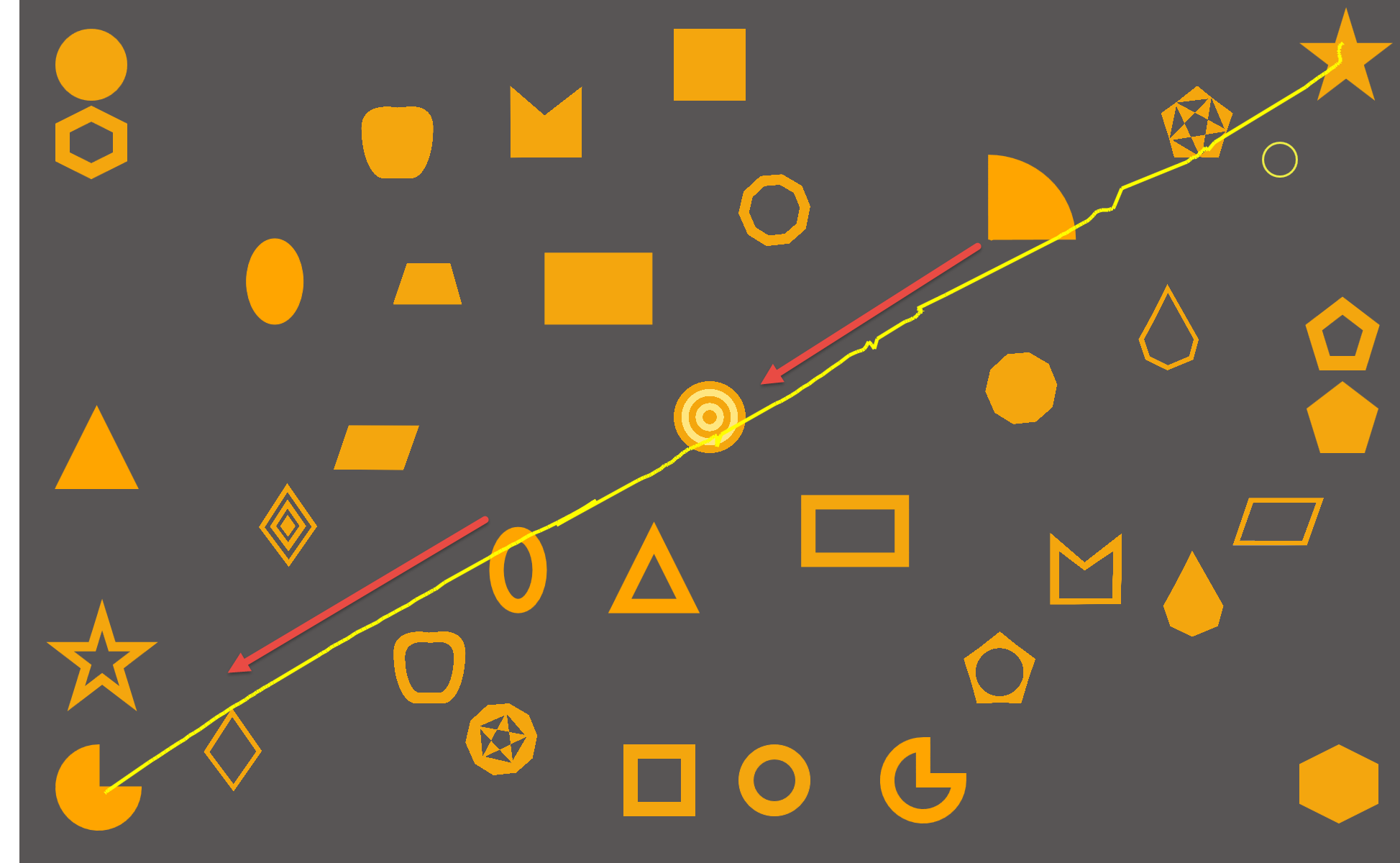
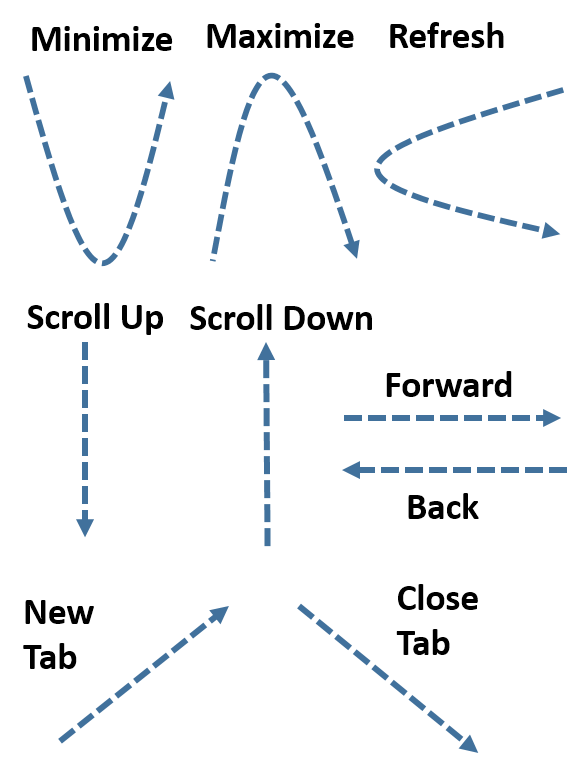
Gaze gesture-based interactions on a computer are promising, but the existing systems are limited by the number of supported gestures, recognition accuracy, need to remember the stroke order, lack of extensibility, and so on. We present a gaze gesture-based interaction framework where a user can design gestures and associate them to appropriate commands like minimize, maximize, scroll, and so on. This allows the user to interact with a wide range of applications using a common set of gestures. Furthermore, our gesture recognition algorithm is independent of the screen size, resolution, and the user can draw the gesture anywhere on the target application. Results from a user study involving seven participants showed that the system recognizes a set of nine gestures with an accuracy of 93% and a F-measure of 0.96. We envision, this framework can be leveraged in developing solutions for situational impairments, accessibility, and also for implementing rich interaction paradigm.
DyGazePass: A Gaze Gesture-Based Dynamic Authentication System to Counter Shoulder Surfing Attacks
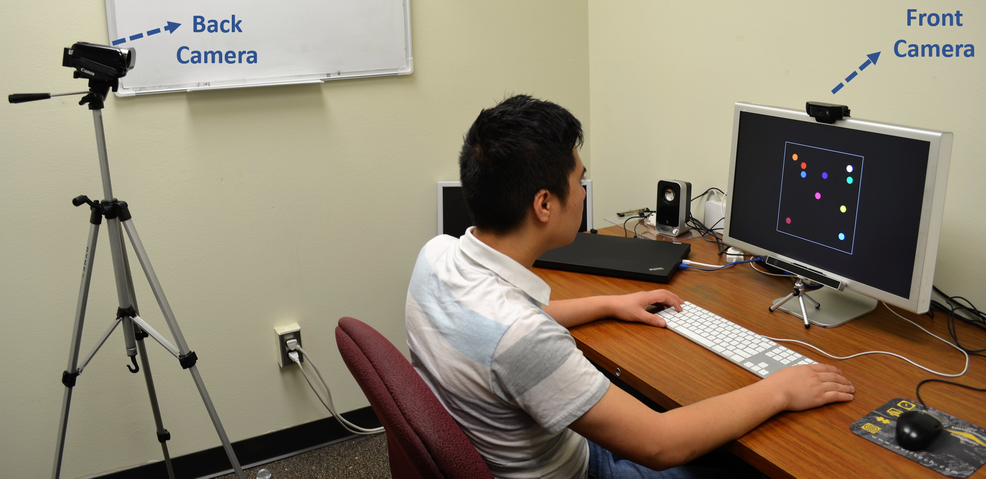
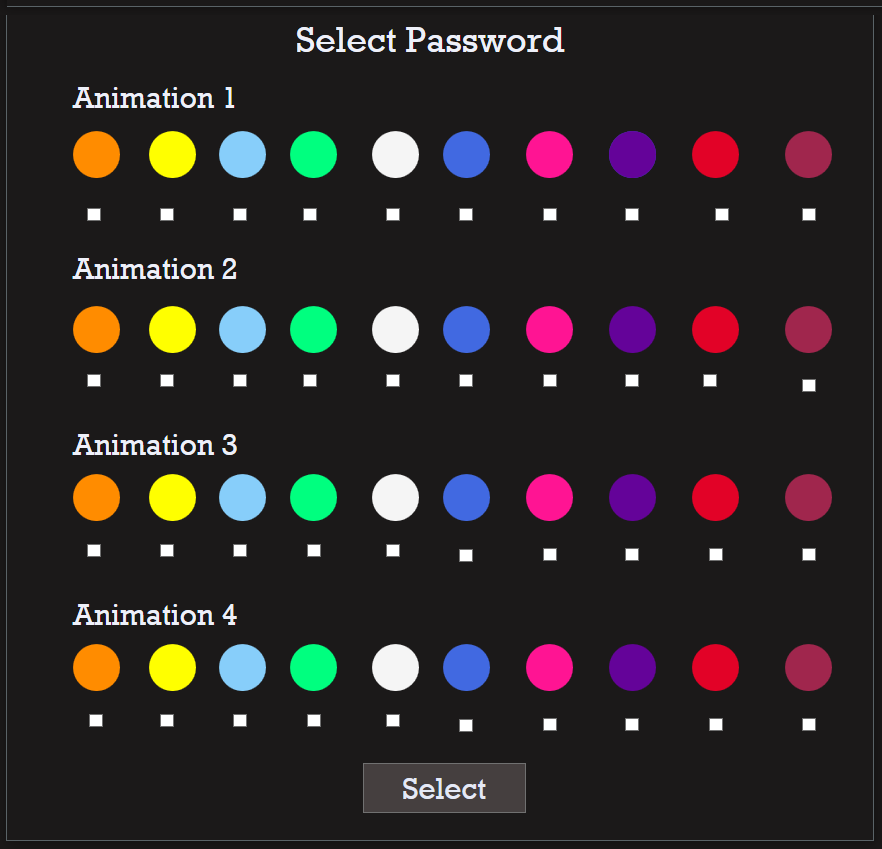
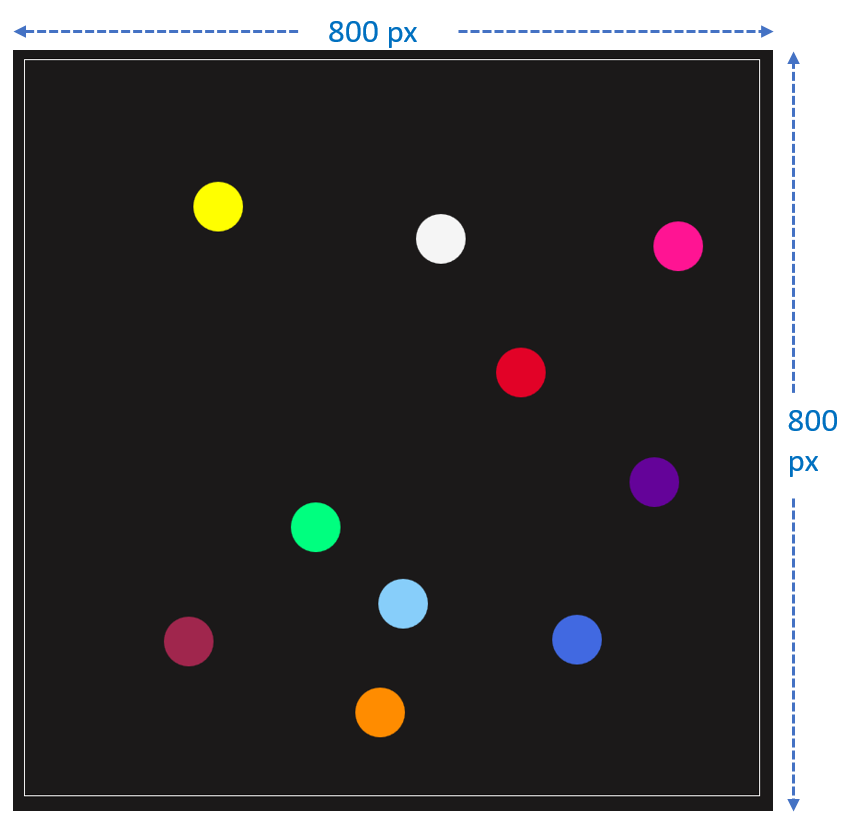
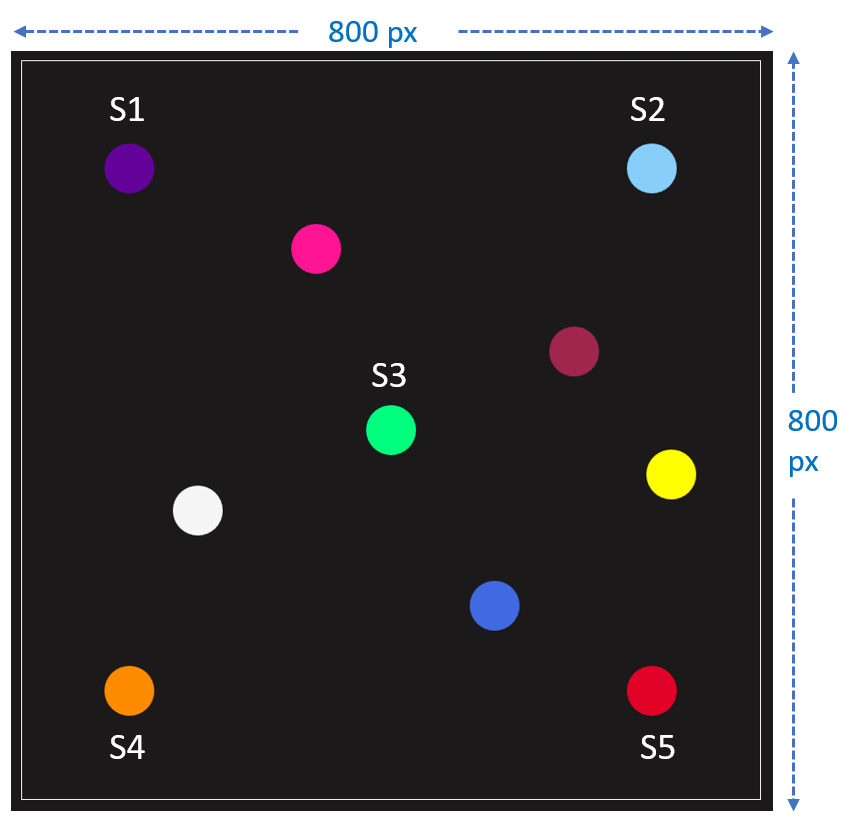
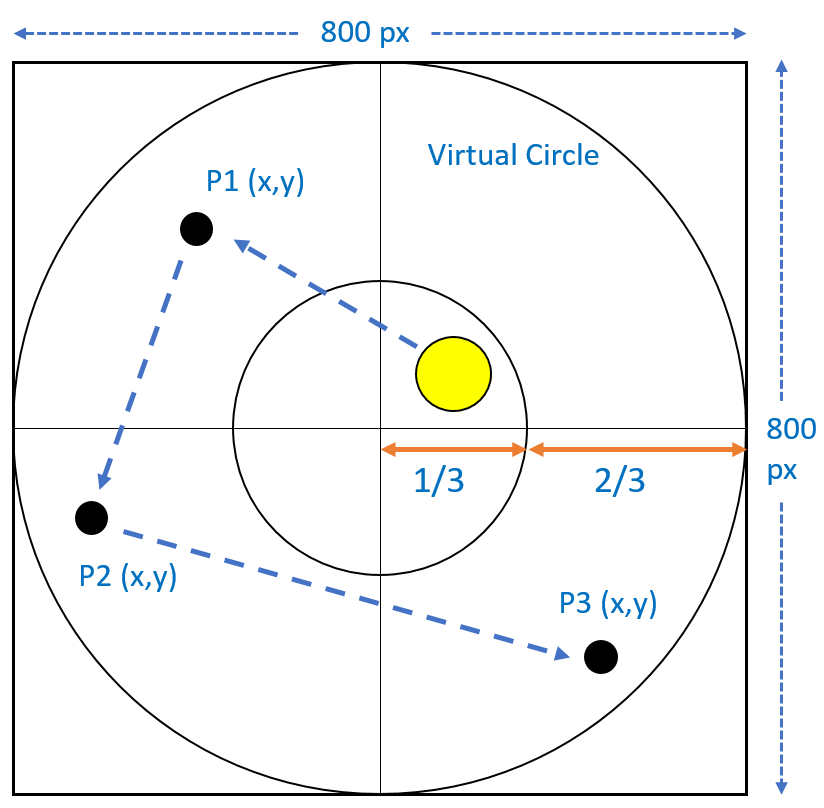
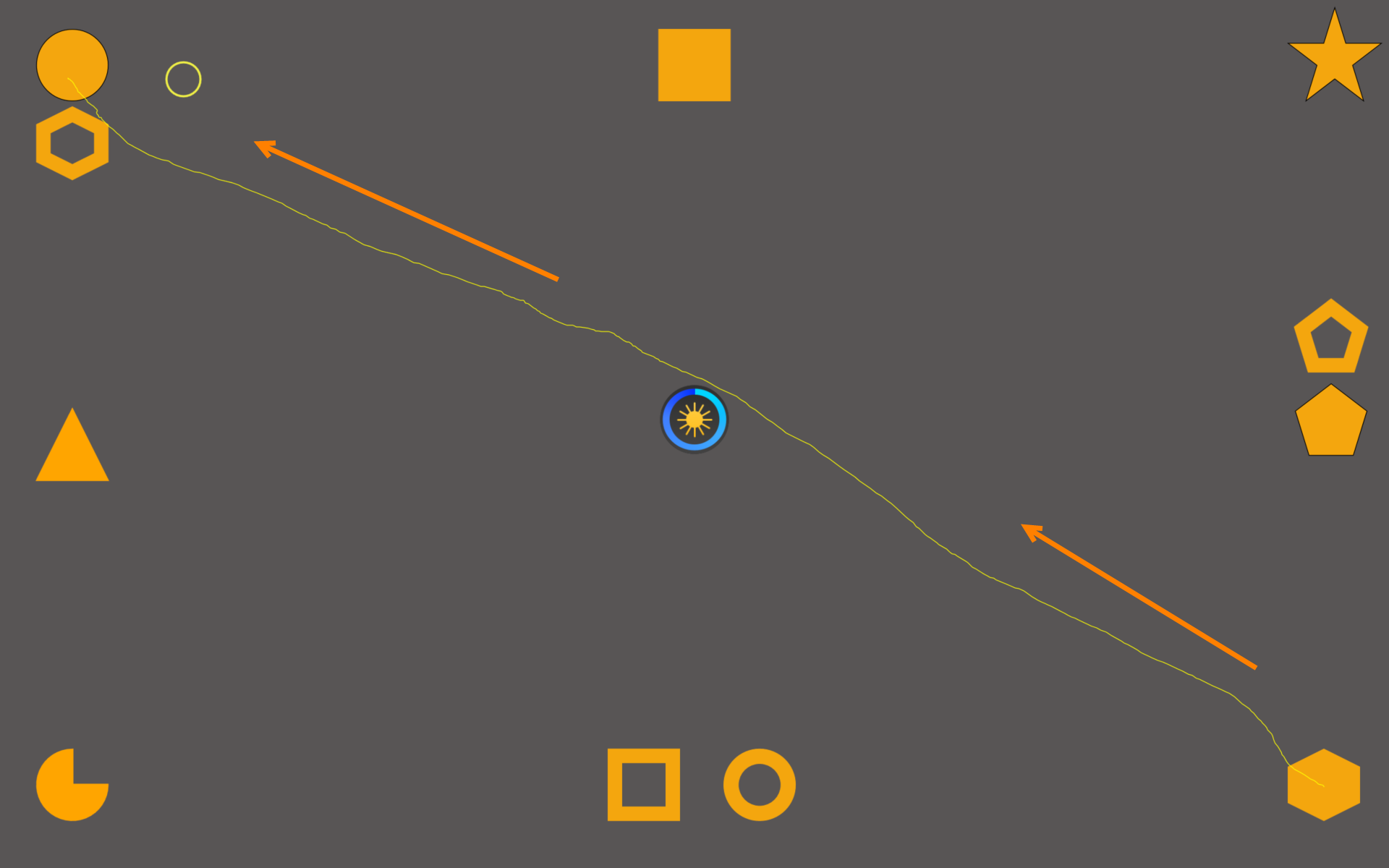
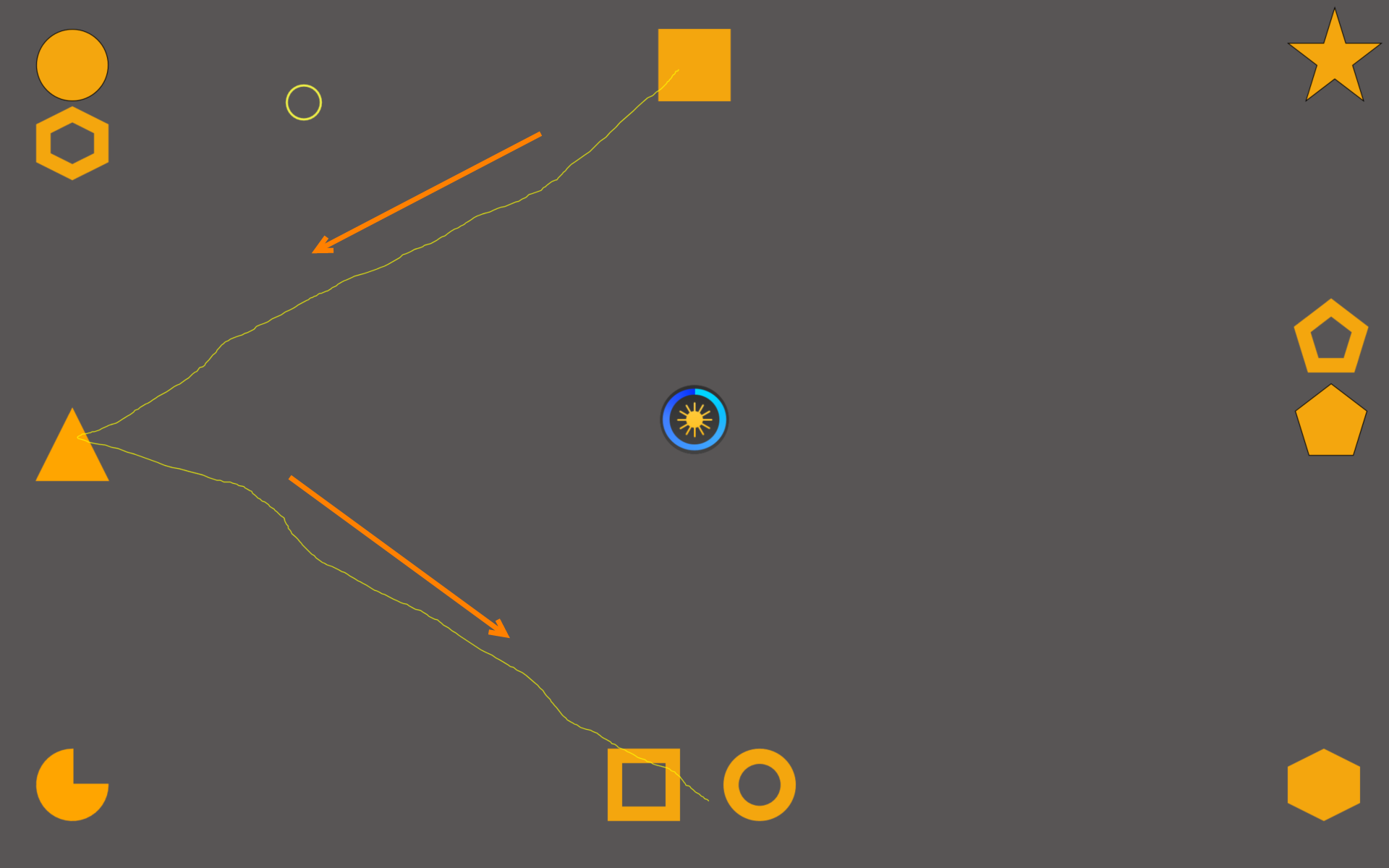
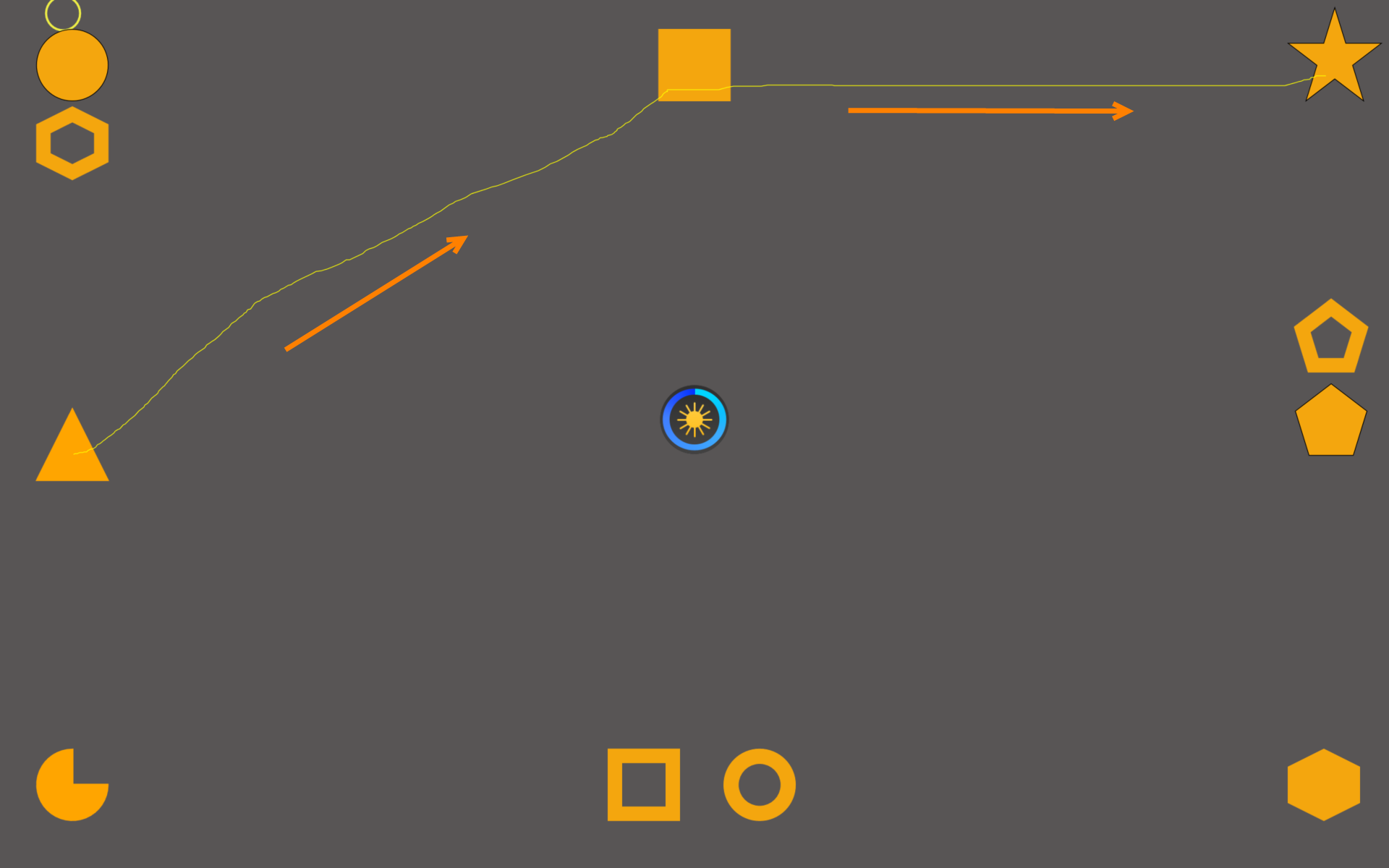
Shoulder surfing enables an attacker to gain the authentication details of a victim through observations and is becoming a threat to visual privacy. We present DyGazePass: Dynamic Gaze Passwords, an authentication strategy that uses dynamic gaze gestures. We also present two authentication interfaces, a dynamic and a static-dynamic interface, that leverage this strategy to counter shoulder surfing attacks. The core idea is, a user authenticates by following uniquely colored circles that move along random paths on the screen. Through multiple evaluations, we discuss how the authentication accuracy varies with respect to transition speed of the circles, and the number of moving and static circles. Furthermore, we evaluate the resiliency of our authentication method against video analysis attacks by comparing it to a gaze- and PIN-based authentication system. Overall, we found that the static-dynamic interface with a transition speed of two seconds was the most effective authentication method with an accuracy of 97.5%.
A Gaze Gesture-Based User Authentication System to Counter Shoulder-Surfing Attacks
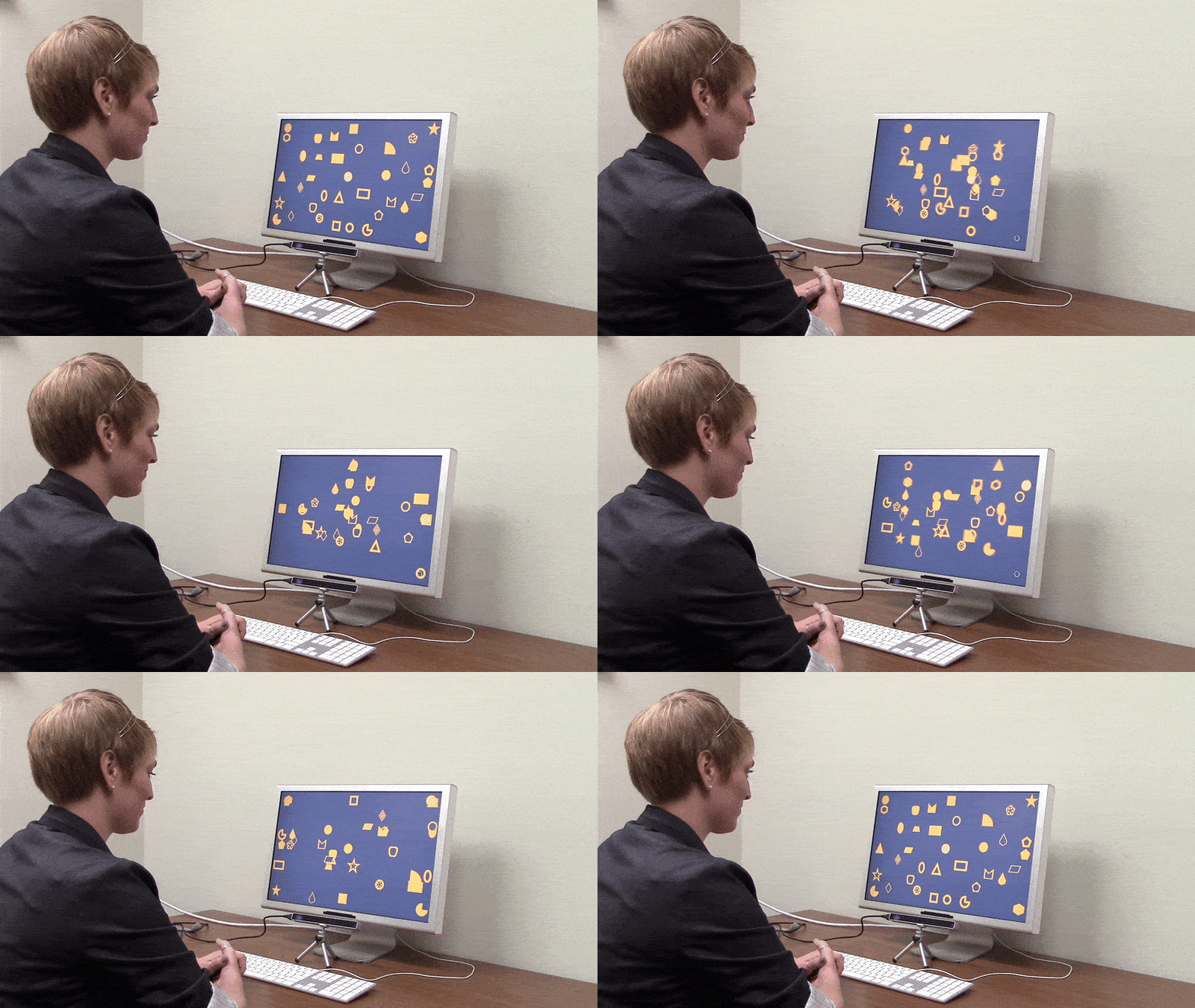
Shoulder-surfing is the act of spying on an authorized user of a computer system with the malicious intent of gaining unauthorized access. Current solutions to address shoulder-surfing such as graphical passwords, gaze input, tactile interfaces, and so on are limited by low accuracy, lack of precise gaze-input, and susceptibility to video analysis attack. We present an intelligent gaze gesture-based system that authenticates users from their unique gaze patterns onto moving geometric shapes. The system authenticates the user by comparing their scan-path with each shapes' paths and recognizing the closest path. In a study with 15 users, authentication accuracy was found to be 99% with true calibration and 96% with disturbed calibration. Also, our system is 40% less susceptible and nearly nine times more time-consuming to video analysis attacks compared to a gaze- and PIN-based authentication system.
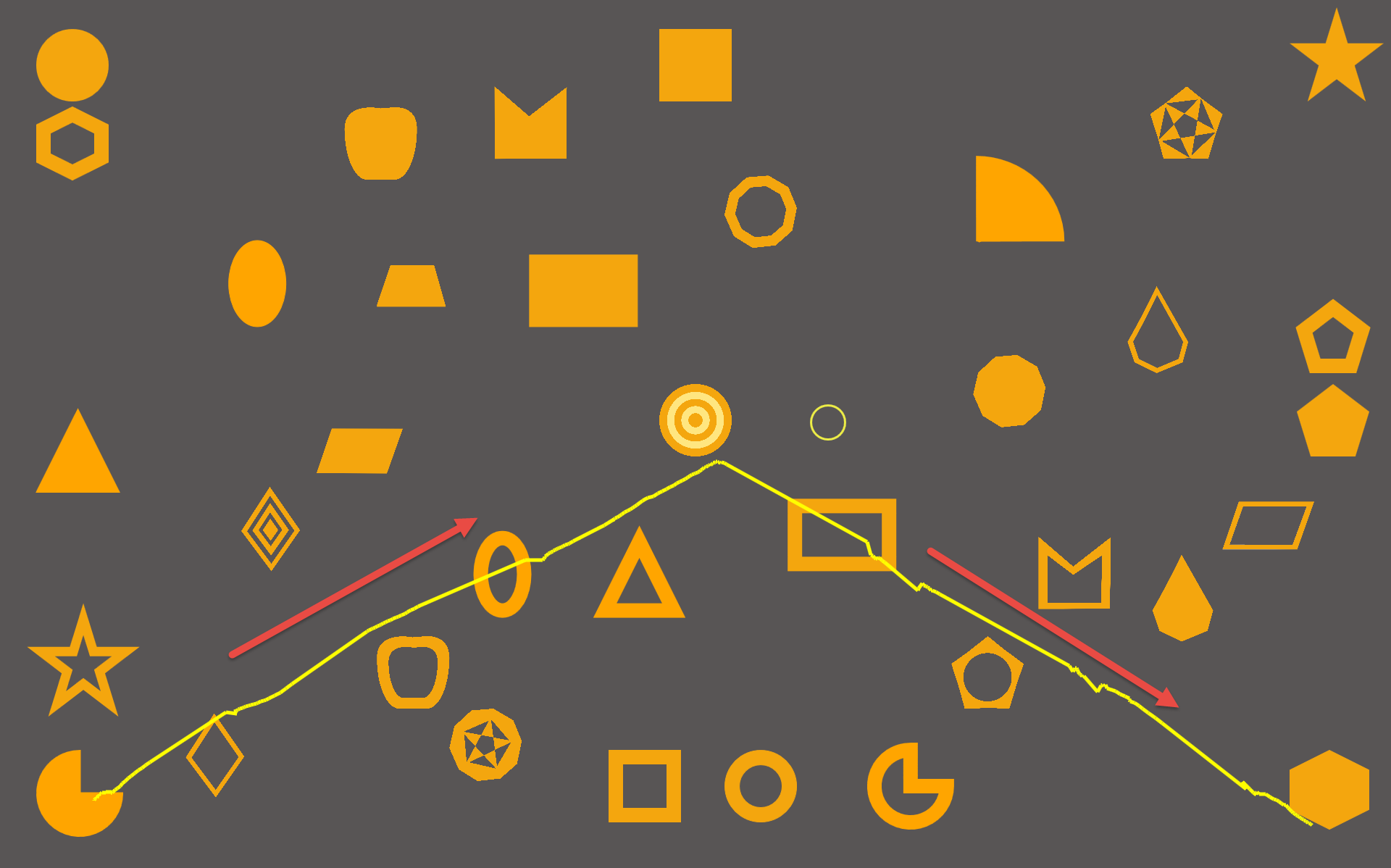
Gaze Gesture-Based Interactions for Accessible HCI
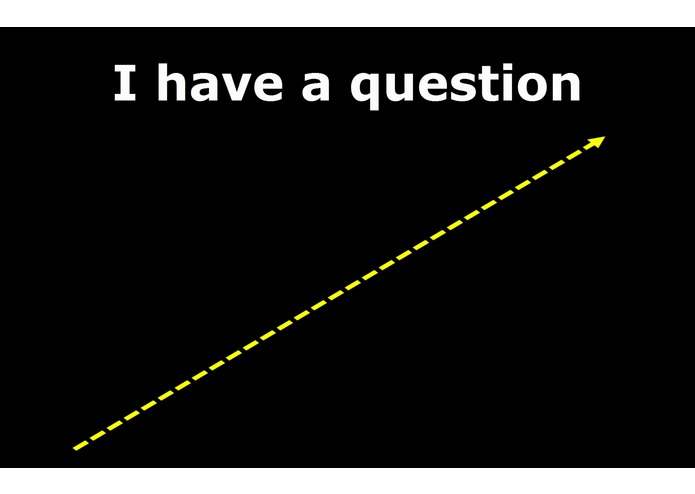
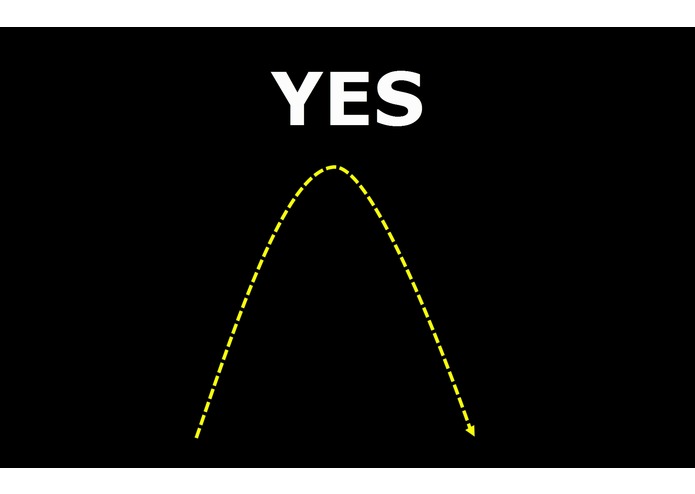
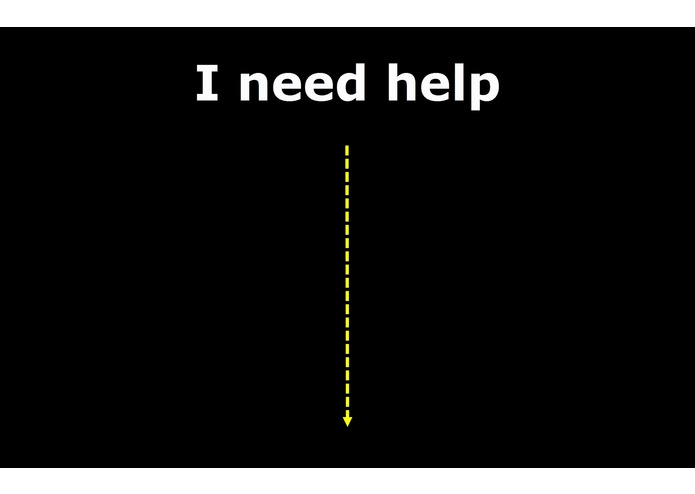
Gaze Typing Through Foot-Operated Wearable Device
Gaze-Assisted User Authentication to Counter Shoulder-surfing Attacks
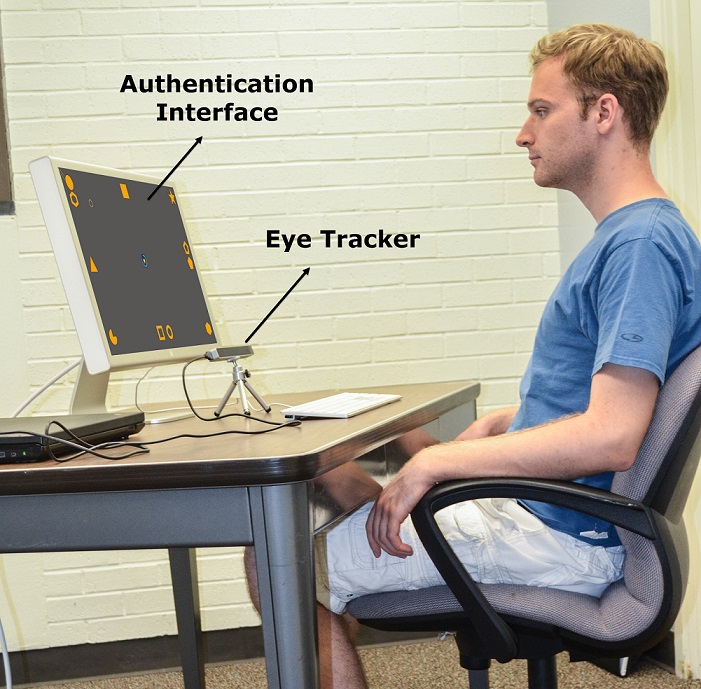
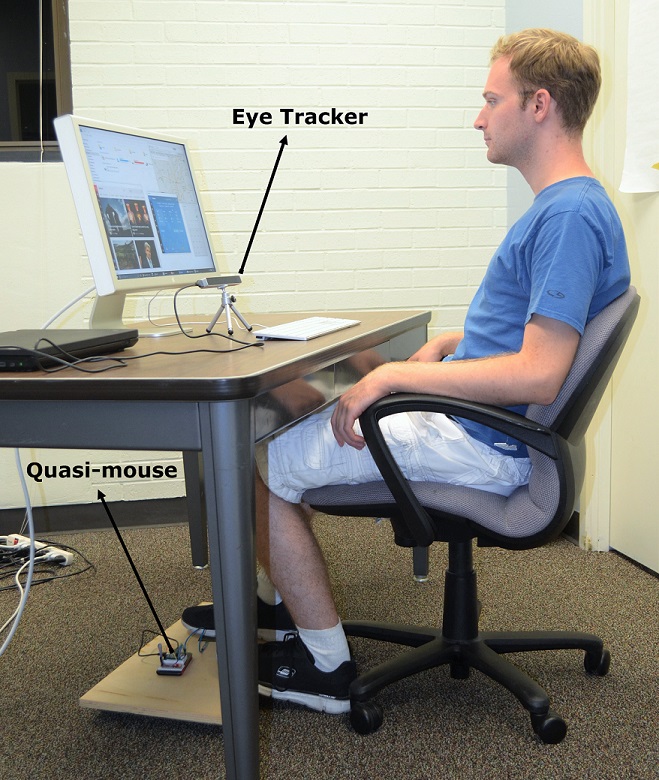
GAWSCHI: Gaze-Augmented, Wearable-Supplemented Computer-Human Interaction
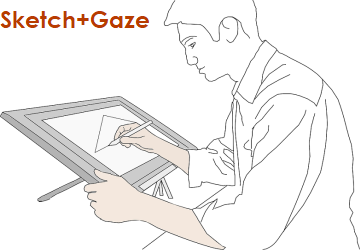
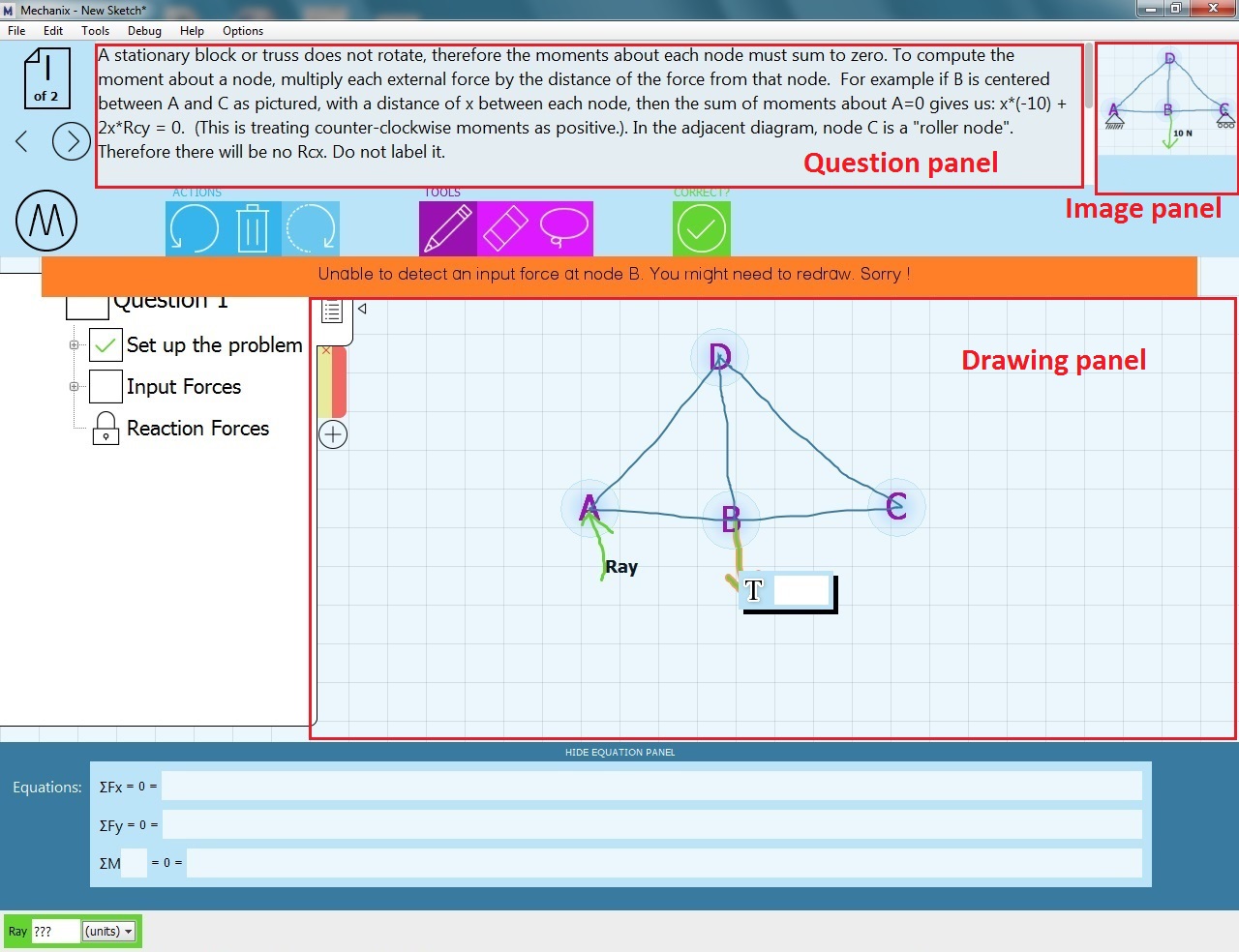
Exploring Users' Perceived Activities in a Sketch-based Intelligent Tutoring System Through Eye Movement Data
First Author: Purnendu Kaul
KinoHaptics: An Automated, Haptic Assisted, Physio-therapeutic System for Post-surgery Rehabilitation and Self-care
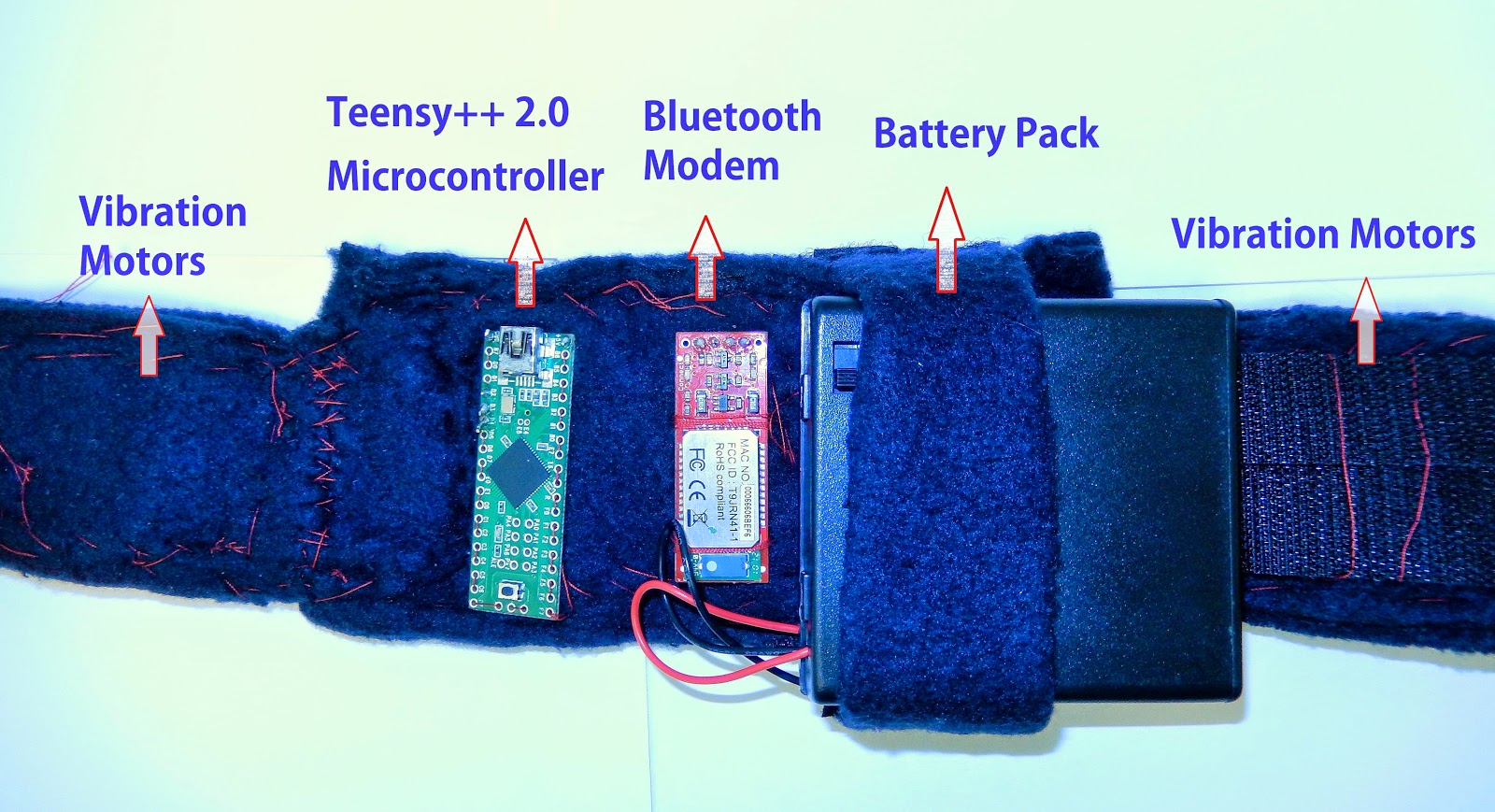
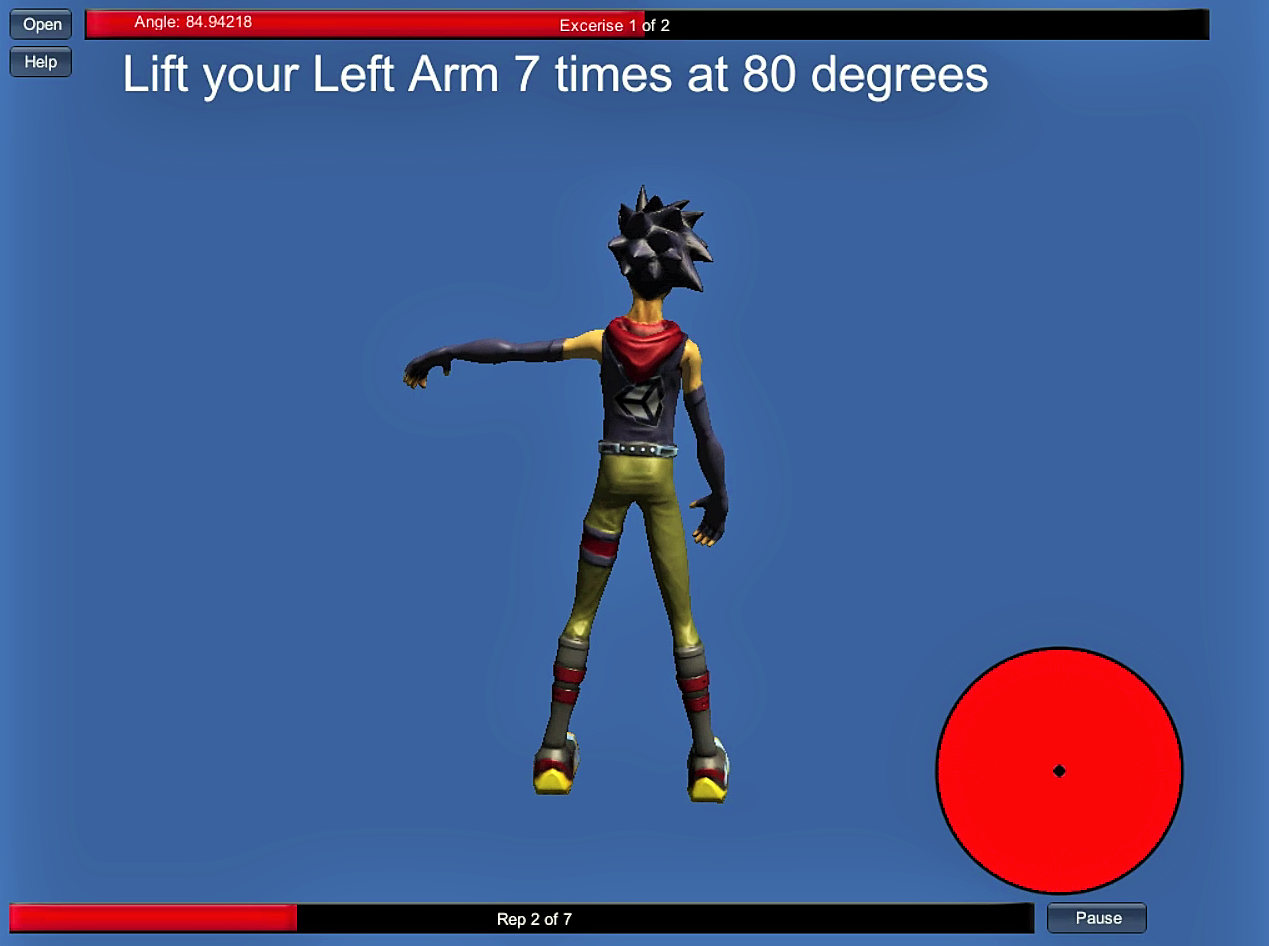
Evaluation & Results: Evaluated in laboratory conditions with 14 users, KinoHaptics proved to be highly intuitive, accurate, and effective at preventing accidental re-injuries while strongly motivating habit building.
Conclusion: The successful acceptance of KinoHaptics highlights the promise of automated haptic-assisted systems for extended self-care and adherence to rehabilitation programs.
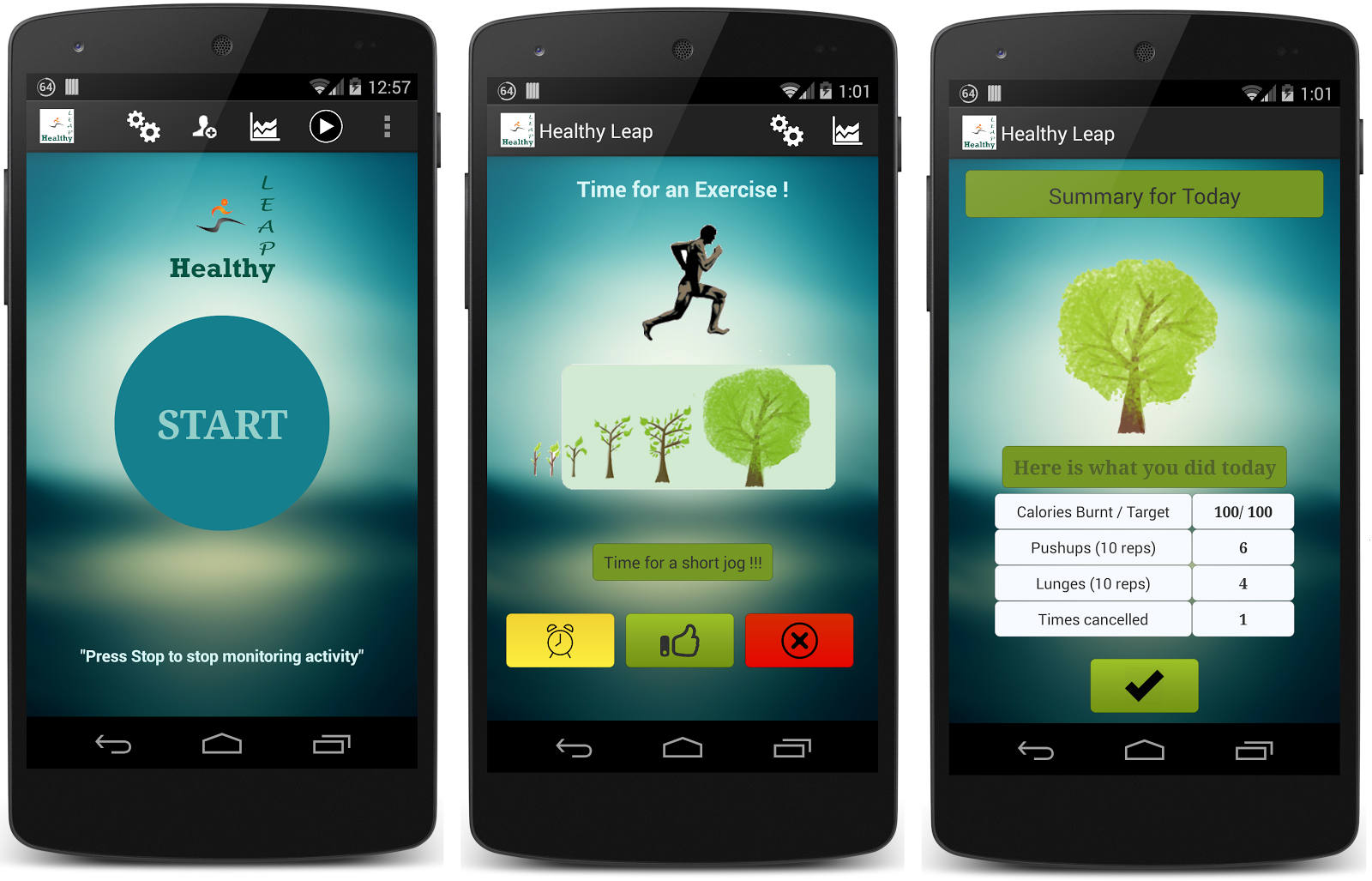
Healthy Leap: An Intelligent Context-Aware Fitness System for Alleviating Sedentary Lifestyles
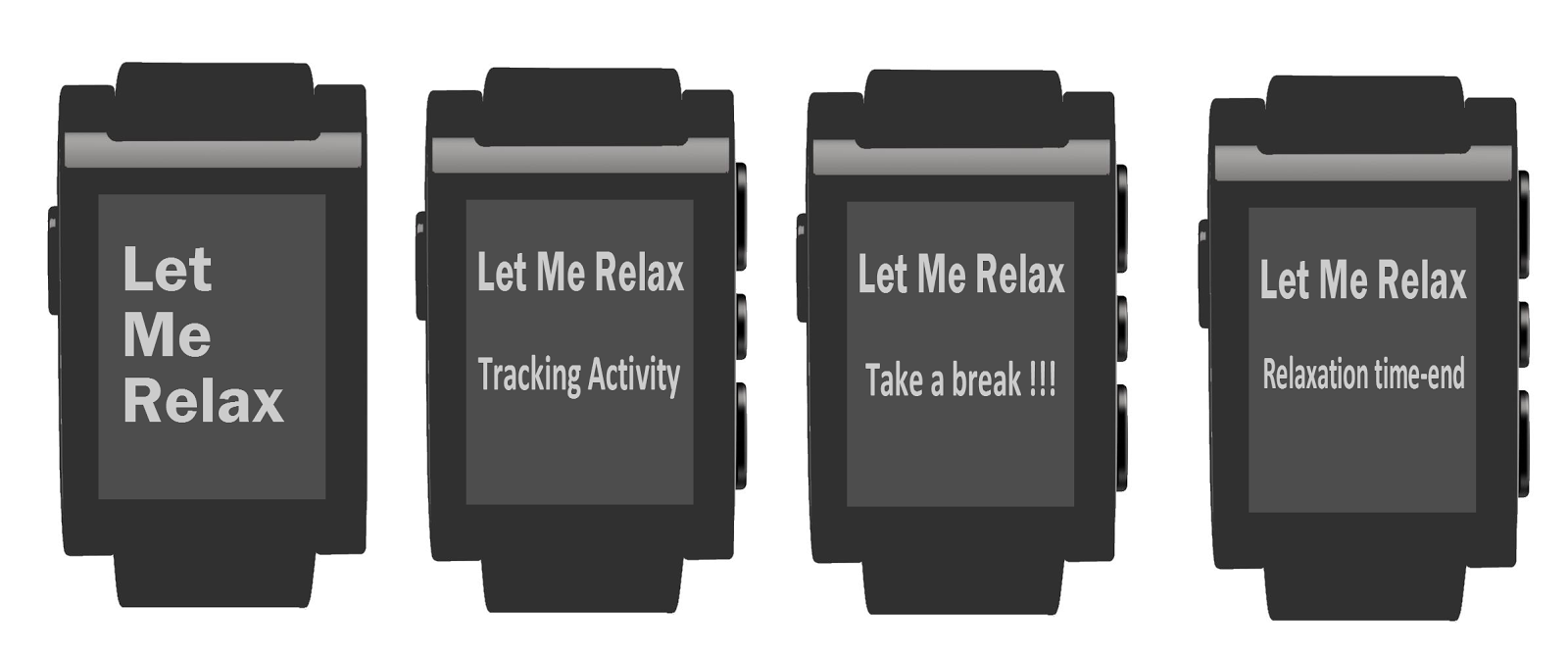
Let Me Relax: Toward Automated Sedentary State Recognition and Ubiquitous Mental Wellness Solutions

Framework for Accelerometer Based Gesture Recognition and Integration with Desktop Applications
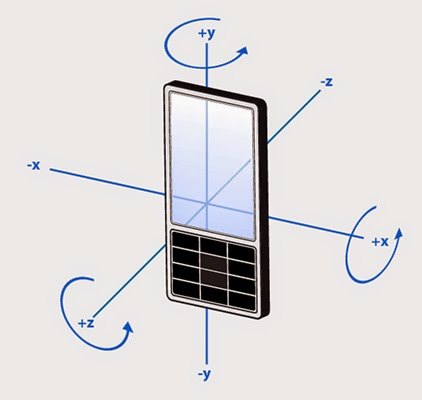
This research demonstrates simplified, alternative ways of interacting with desktop applications through natural hand-based gestures. Most desktop applications are designed to receive user inputs through traditional devices like keyboards and mice. The gesture recognition framework implemented in this work leverages accelerometer data from a smartphone held in a user's hand to identify gestures in real time.
A short-distance communication protocol (Bluetooth) transmits accelerometer data from the smartphone to the desktop at a constant rate, keeping the system wireless. The received data is analyzed to recognize gestures, which are then mapped to corresponding key-press and mouse events to control desktop applications and games. This framework enriches interaction, enhances user experience through intuitive gestures, and enables more creative gameplay.
Multi-threaded Download Accelerator With Resume Support
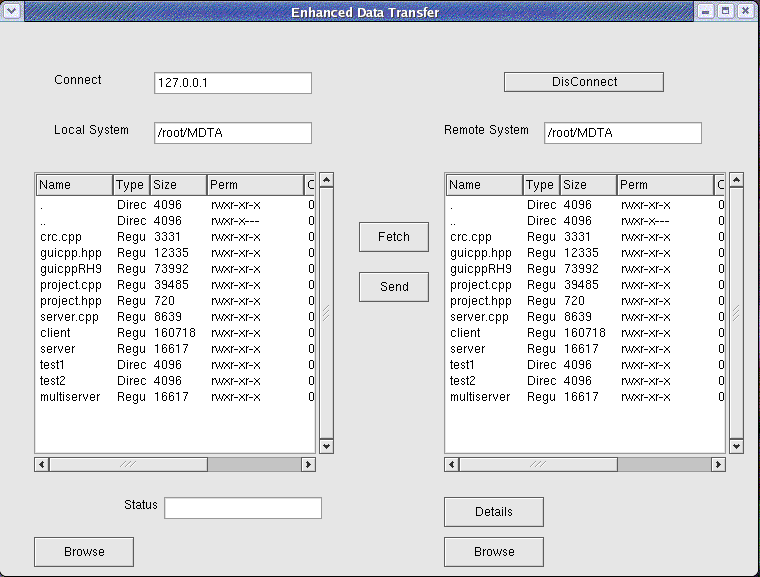
Issues with Existing Protocols: When transferring files over a network, traditional systems establish a single connection with the server and transfer files sequentially. This slows data transfer speed and fails to effectively utilize available network bandwidth.
Solution: Multi-threading enables multiple independent threads to connect to the server over separate sockets, transferring different files or portions of a single file simultaneously. Additionally, server-side resume support maintains download states across abrupt disconnections, allowing downloads to resume from where they stopped rather than restarting from scratch.
- To develop a server that can support file transfer transactions, with resume support
- To develop a client that can provide an attractive graphical user interface to the user and help the user connect to specific systems and transfer files. Furthermore, the client must be able to maintain the status of all downloads.
- To develop a protocol that ensures that the client can communicate with the server.
- To incorporate multi-threading in order to improve bandwidth utilization, with proper communication amongst threads so that there is no synchronization problems or race conditions.
- To introduce resume support by incorporating CRC checks, so that incomplete downloads can be resumed from the point where it was left off.
Graphics Editor

Overview: Graphics Editor is a utility software that enables users to perform graphical operations like drawing geometrical figures and text. Developed completely in the C programming language, the system supports geometrical shapes including rectangles, circles, ellipses, lines, and spirals, along with transformations such as rotation, scaling, clipping, saving, and loading.
User Experience: The editor is mouse-driven with intuitive GUI icons and zero learning prerequisites. In addition, it provides rich color palettes and custom fill patterns for geometrical figures.
Linux Shell

This project is a custom implementation of a Linux Shell that enhances functionalities offered by standard Linux shells such as Bourne, Korn, C, and Bash. The shell functions as an intermediary command interpreter between user terminal inputs and the Linux kernel.
The shell parses command lines, resolves
aliases and paths across system utility directories (like /bin,
/etc, or /usr/bin), and dispatches process executions
efficiently.
- Displays custom terminal prompt awaiting user commands (e.g.
ls <directory-name>). - Parses the command name, resolves utility file paths, and loads binaries into memory.
- Forks execution, collects return codes, and re-displays prompt for next interaction.
Lex & Yacc Parser

This project involved designing and modifying custom implementations of a Lexical Analyzer (Lex) and Yacc Parser to construct a custom language interpreter on UNIX systems.
Users specify regular pattern rules to generate lexical tokens through Lex, which are then passed to the Yacc grammar parser to evaluate syntax and execute target actions.